Segment (Filter)
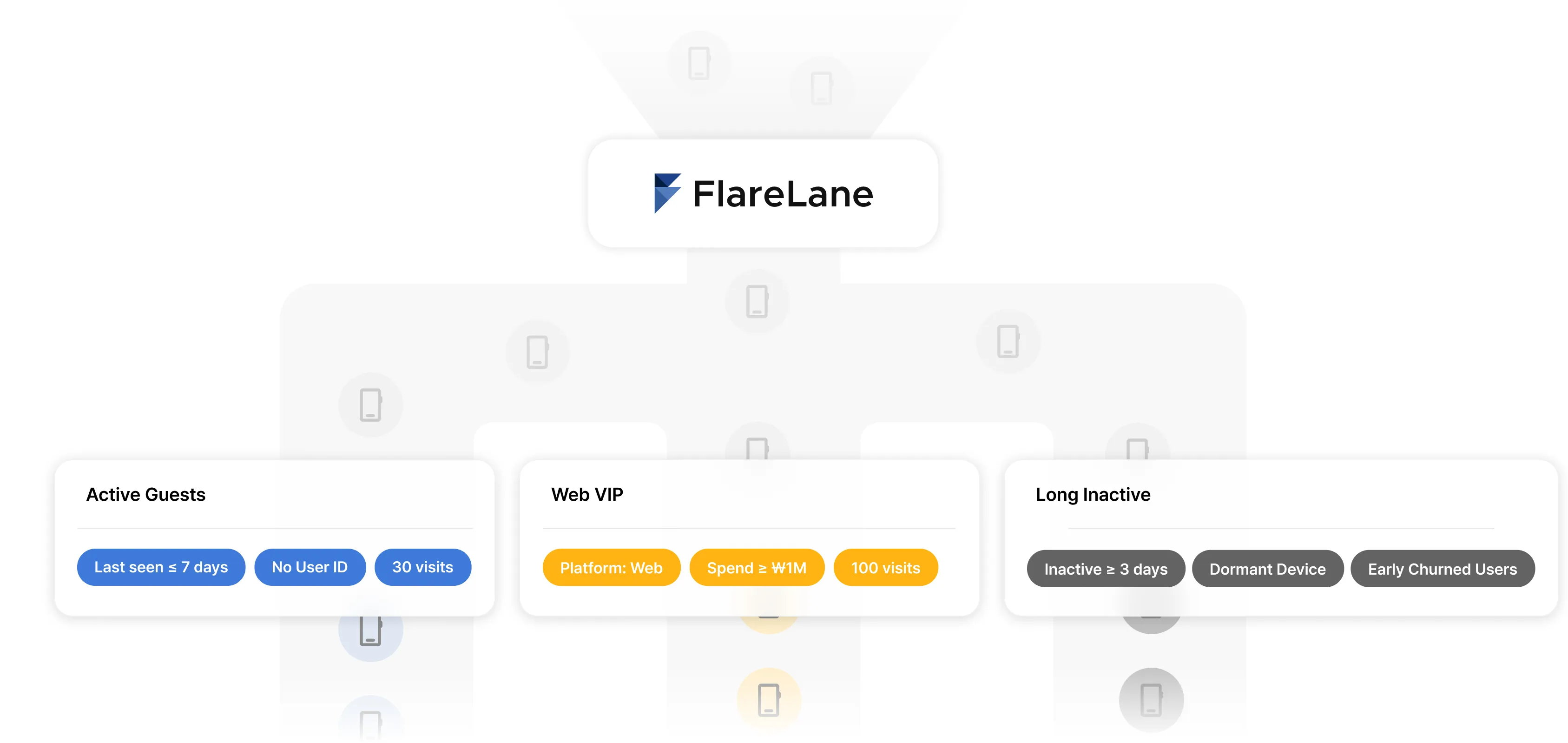
Use segments to classify large numbers of devices by various criteria and target them when sending push notifications.
Types of segment filters
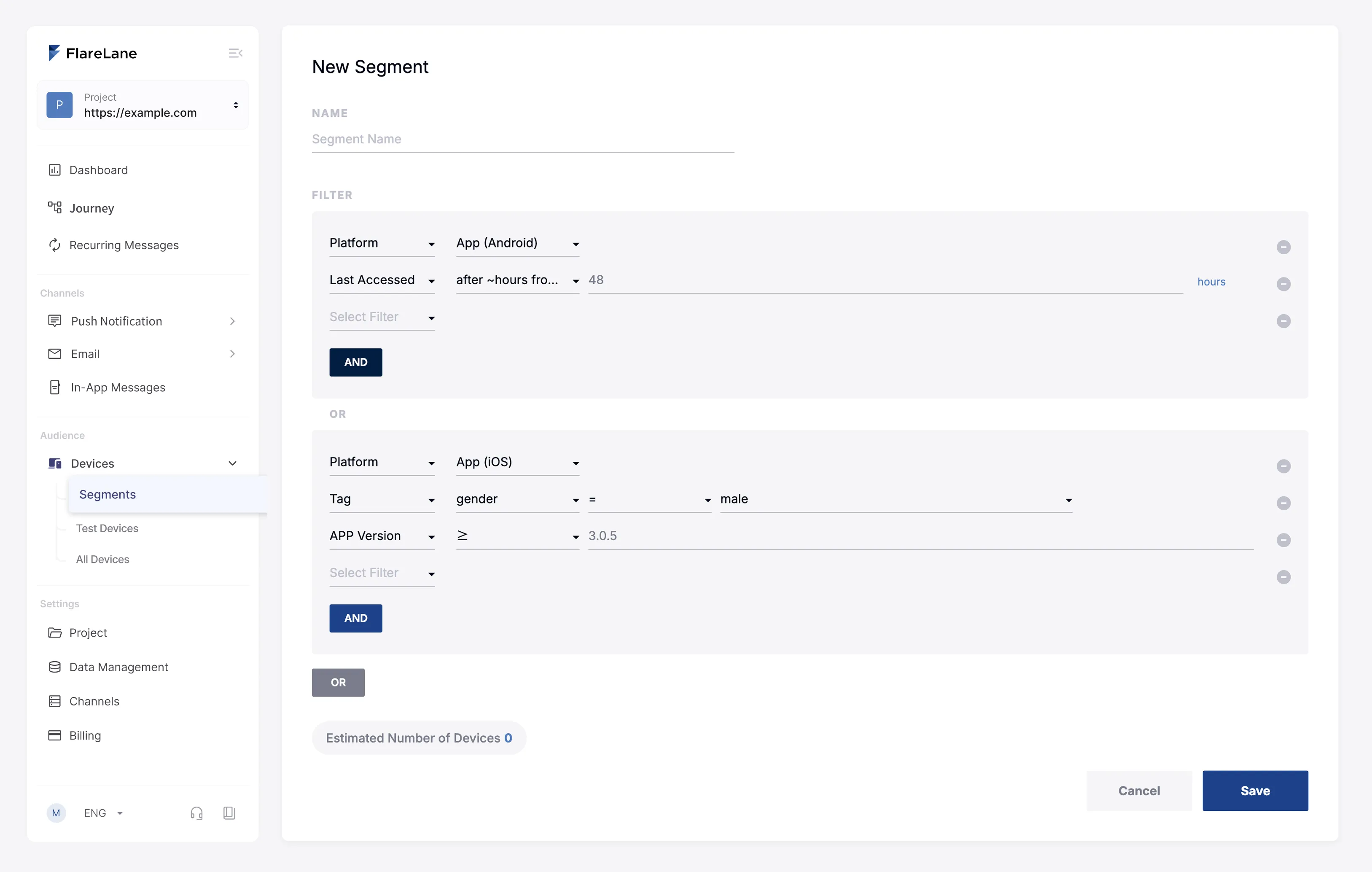
Section titled “Types of segment filters”You can freely combine filters. Use "AND" to combine filters as an intersection and narrow the segment's scope, and use "OR" to broaden the segment's scope.
User segment filters
Section titled “User segment filters”| Filter | Description |
|---|---|
| User ID | Whether a user ID exists or matches |
| Birthday | Whether it's the user's birthday, based on the date of birth in their user profile |
| SMS opt-out users | Whether the user is on the SMS unsubscribe list |
| Phone number | Classify by phone number in the user profile |
| Event | Classify based on whether an event has occurred |
| Tag | Classify based on linked tag values |
| First created time | The time the user was first created |
| Last seen time | Classify based on the last access time |
| Country | Classify by country in the user profile |
| Language | Classify by language in the user profile |
| Age | Age based on date of birth and time zone in the user profile |
Device segment filters
Section titled “Device segment filters”| Filter | Description |
|---|---|
| Platform | Whether the selected platform (OS) matches |
| User ID | Whether a user ID exists or matches |
| Test device | Whether the device is set as a test device |
| Event | Classify based on whether an event has occurred |
| Tag | Classify based on linked tag values |
| First created time | Classify based on when the device was created App: created on app install Web: created on web push subscription or user ID setup |
| Last seen time | Classify based on the last access time |
| Web browser | Classify web devices by browser |
| OS version | Classify by the device's OS version |
| App version | Classify by your app's version |
| SDK version | Classify by the installed SDK version |
| Country | Classify by the device's configured country |
| Language | Classify by the device's configured language |
Tag filter operators
Section titled “Tag filter operators”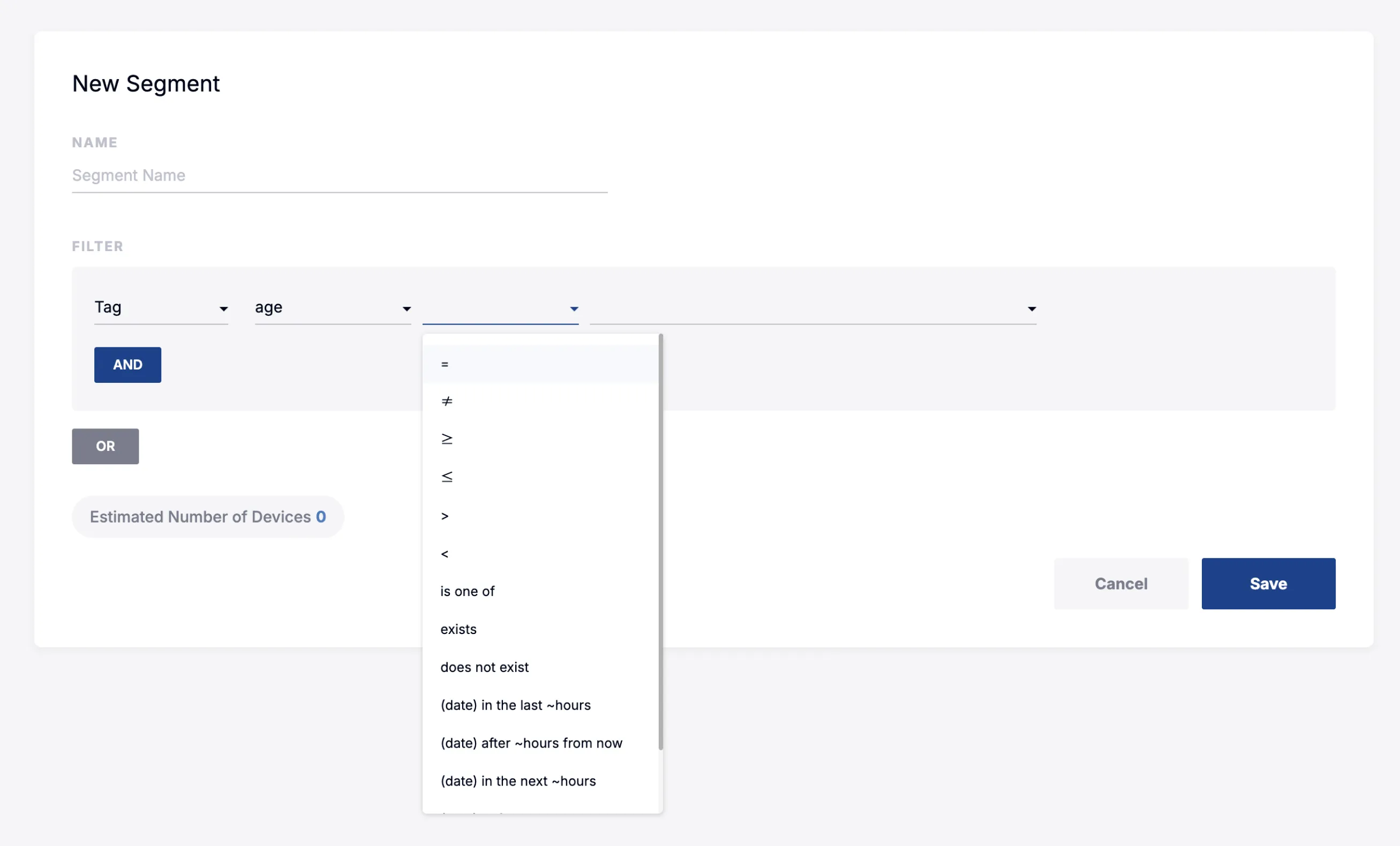
You can divide Devices & Users into groups based on linked tags.
The currently supported tag filter operators are listed below. The available operators differ slightly depending on the type of the linked tag.
| Operator | Description |
|---|---|
| = | The tag equals the entered value (if the tag is an array, an inclusion search that looks for one of the elements) |
| ≠ | The tag does not equal the entered value (if the tag is an array, an exclusion search that looks for one of the elements) |
| ≥ | A numeric tag is greater than or equal to the entered value |
| ≤ | A numeric tag is less than or equal to the entered value |
| > | A numeric tag is greater than the entered value |
| < | A numeric tag is less than the entered value |
| is one of | A comma-separated OR match against multiple values (entering 1,2,3 matches if the tag equals one of the three) |
| exists | The tag is linked |
| does not exist | The tag is not linked |
| (period) within the last ~ hours | A period tag is less than N hours old (now-N hours < tag ≤ now) |
| (period) more than ~ hours ago | A period tag is more than N hours old (tag < now-N hours) |
| (period) ~ hours remaining | A period tag is within N hours from now (now ≤ tag < now+N hours) |
| (period) before ~ | A period tag is before a specific period (select an exact specific date) |
| (period) after ~ | A period tag is after a specific period (select an exact specific date) |