Personalized messages (Liquid)
Liquid is an open-source templating language developed by Shopify. FlareLane supports personalized messages built with Liquid syntax. Because Liquid lets you manipulate data into whatever shape you want, you can create far richer personalized messages.
Attach customer data such as a name or membership tier to your messages to send more personalized messages. You can expect higher response rates compared to sending generic messages.
Personalized message examples:
Hello, {{ name | default: "customer" }}!Your sign-up was completed on {{ tags.signup_date | date: "%Y-%m-%d", "Asia/Seoul" }}.Your order for {{ entry_event.data.product_name | truncate: 20 }} has shipped.Your {{ tags.point | number_with_delimiter}} reward points are about to expire.
How it works
Section titled “How it works”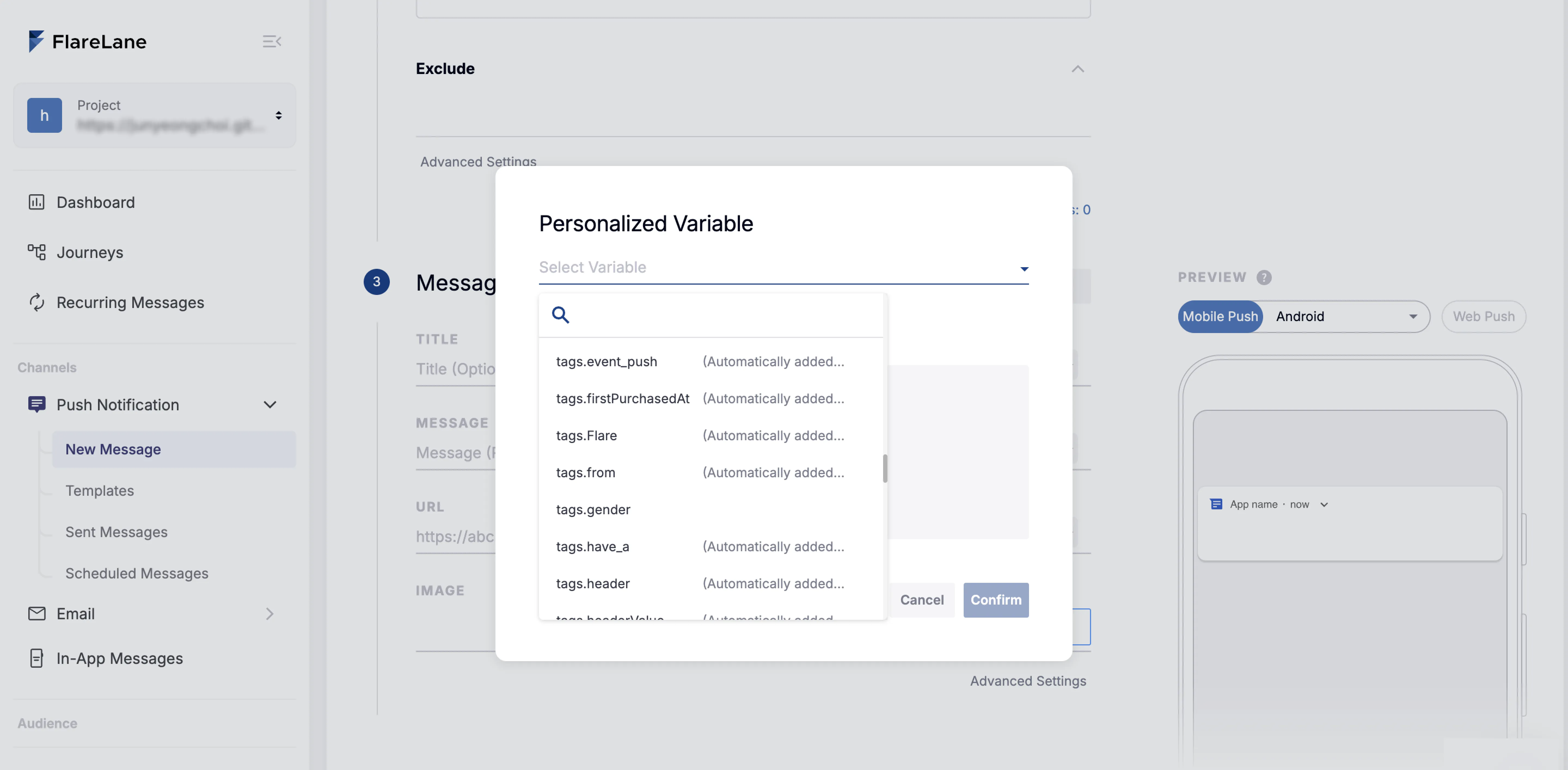
Liquid syntax is a string block enclosed in two curly braces.
For example, a personalized message that uses the customer's name can be built like this:
Hello, {{ name | default: "customer" }}!
At the actual time of sending, if the user profile contains name data, the message is sent as follows:
Hello, Minhyuk Kim!
If there is no name data, the default value is used and the message is sent as follows:
Hello, customer!
Available functions
Section titled “Available functions”String filters
Section titled “String filters”- default - Substitutes a default value when the variable is missing.
- truncate - Truncates a long variable to a specific length.
- truncatewords - Truncates a long variable to a specific number of words.
- replace - Replaces all occurrences of a specific string within a variable.
- replace_first - Replaces the first occurrence of a specific string within a variable.
- date - Converts a date string into the format you want. (Check formats)
- upcase - Converts an English string to all uppercase.
- downcase - Converts an English string to all lowercase.
- capitalize - Capitalizes the first word of an English string.
- url_encode - Encodes a string to be URL-safe.
- url_decode - Decodes a URL-encoded string.
- strip_html - Removes all HTML tags.
Number filters
Section titled “Number filters”- number_with_delimiter - Converts a number into a string with comma thousands separators.
- plus - Adds a specific value to a numeric variable.
- minus - Subtracts a specific value from a numeric variable.
- times - Multiplies a numeric variable by a specific value.
- divided_by - Divides a numeric variable by a specific value.
- round - Rounds a numeric variable.
- floor - Rounds a numeric variable down.
- ceil - Rounds a numeric variable up.
Array filters
Section titled “Array filters”- first - Outputs the first value of an array.
- last - Outputs the last value of an array.
- size - Outputs the number of elements in an array.
- join - Joins all values of an array into a single string.
Conditional branching
Section titled “Conditional branching”- {% if %}, {% else %}, {% elsif %} - Lets you branch using conditions.
- {% assign %} - Assigns a custom variable that you can use in subsequent functions.
{% assign user_name = tags.nickname %}{% assign last_purchase = tags.last_purchase_category %}
{% if last_purchase == "sneakers" %}This week only, the new sneakers you love, {{ user_name }}, are 10% off! Don't miss out 👟{% elsif last_purchase == "outerwear" %}New outerwear perfect for the cold weather has just arrived! We've also prepared a special offer just for you, {{ user_name }} 🧥{% else %}We've prepared new products and discounts just for you, {{ user_name }}. Check them out now!{% endif %}
Available variables
Section titled “Available variables”You can use a variety of linked customer data as variables.
- Tags: tags.*
- Automatically matches a tag from the user profile & tags set on that device.
A {{ tags.grade }}-tier coupon has been issued.- Looks up grade among that device's tags.
- Events: entry_event.data.*
- In customer journey automation, you can use the data attached to the entry condition event as variables.
The {{ entry_event.data.product_name }} in your cart is waiting for you!- Looks up product_name among the triggering event's sub-data.
- userId
- If the target device has a user ID, passes the user ID value. This is mainly used when you need to pass a user ID, such as in a webhook.
- Data
- You can pass in external values on the fly at send time to personalize the message.
{{ writerName }} liked your post.- You can add a data parameter through the send API, or enter the data field directly in the console.
POST https://api.flarelane.com/v1/projects/<project-id>/notifications{ targetType: userId, targetIds: "USER_ID", body: "{{ writerName }} liked your post." data: { writerName: "Minhyuk" }}