Disable Automatic URL Handling
If you want to disable FlareLane's automatic URL handling and implement your own click behavior, disable it using the method below, then implement a custom clickedHandler by referring to the Mobile SDK Reference.
Android
Section titled “Android”Setting flarelane_dismiss_launch_url to true in manifest.xml disables automatic URL handling for all notifications.
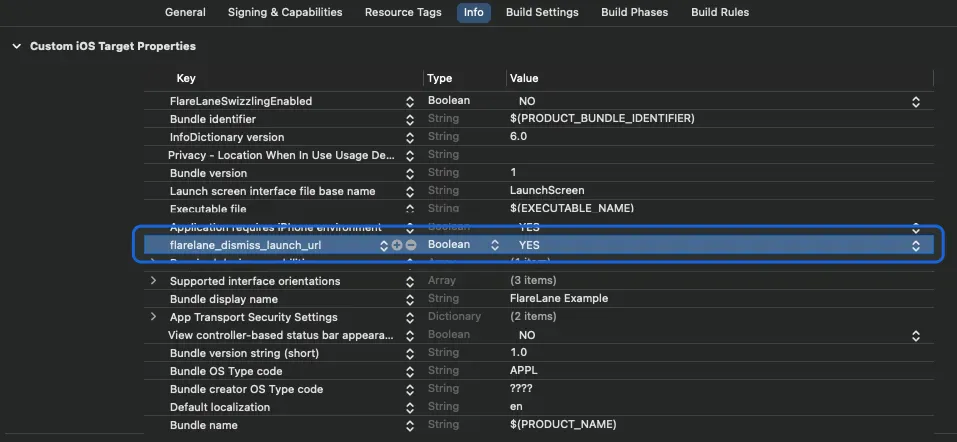
<application> # Add this one line <meta-data android:name="flarelane_dismiss_launch_url" android:value="true" /><application/>Setting flarelane_dismiss_launch_url to YES in Info.plist disables automatic URL handling for all notifications.
Disabling Per Notification
Section titled “Disabling Per Notification”If you want to disable it for a specific notification only, add the following key/value to the data field when sending the notification.
{ "flarelane_dismiss_launch_url": "true"}