User ID
A User ID is the identifier your company manages to distinguish each user. When a user logs in, link the User ID you manage to the FlareLane device so you can tell members and non-members apart. To learn more about the concepts of devices and users, see the Devices & Users guide.
Integrating User IDs
Section titled “Integrating User IDs”When a user successfully logs in or signs up, set the User ID so the device can be identified by your company's User ID.
Run the following code when a user logs in:
- Web SDK / Mobile SDK:
FlareLane.setUserId("USER_ID")
Verifying the integrated User ID
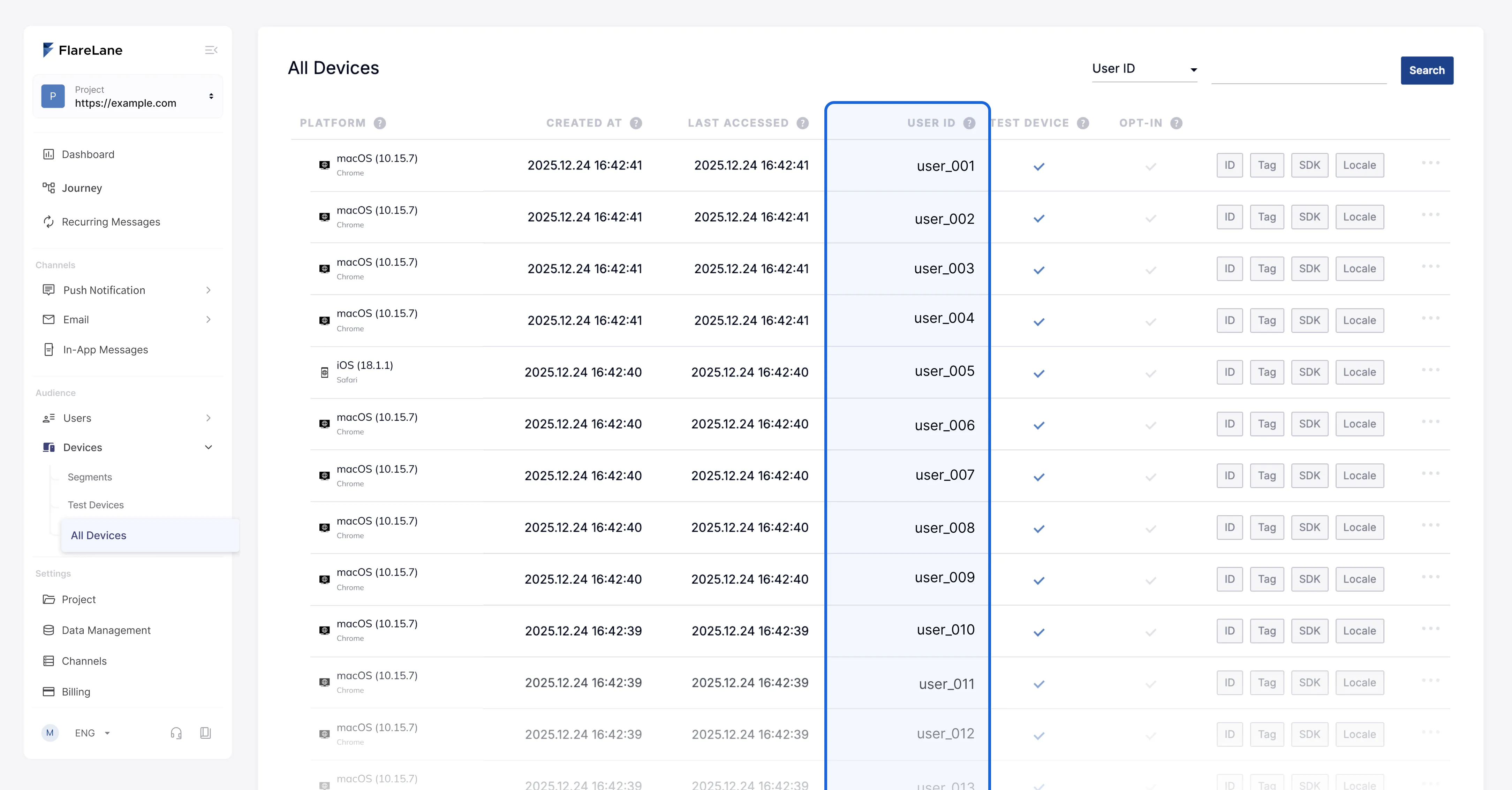
Section titled “Verifying the integrated User ID”You can check the integrated User ID in the full device list. The User ID is typically linked at the time of login.
Distinguishing members from non-members by User ID
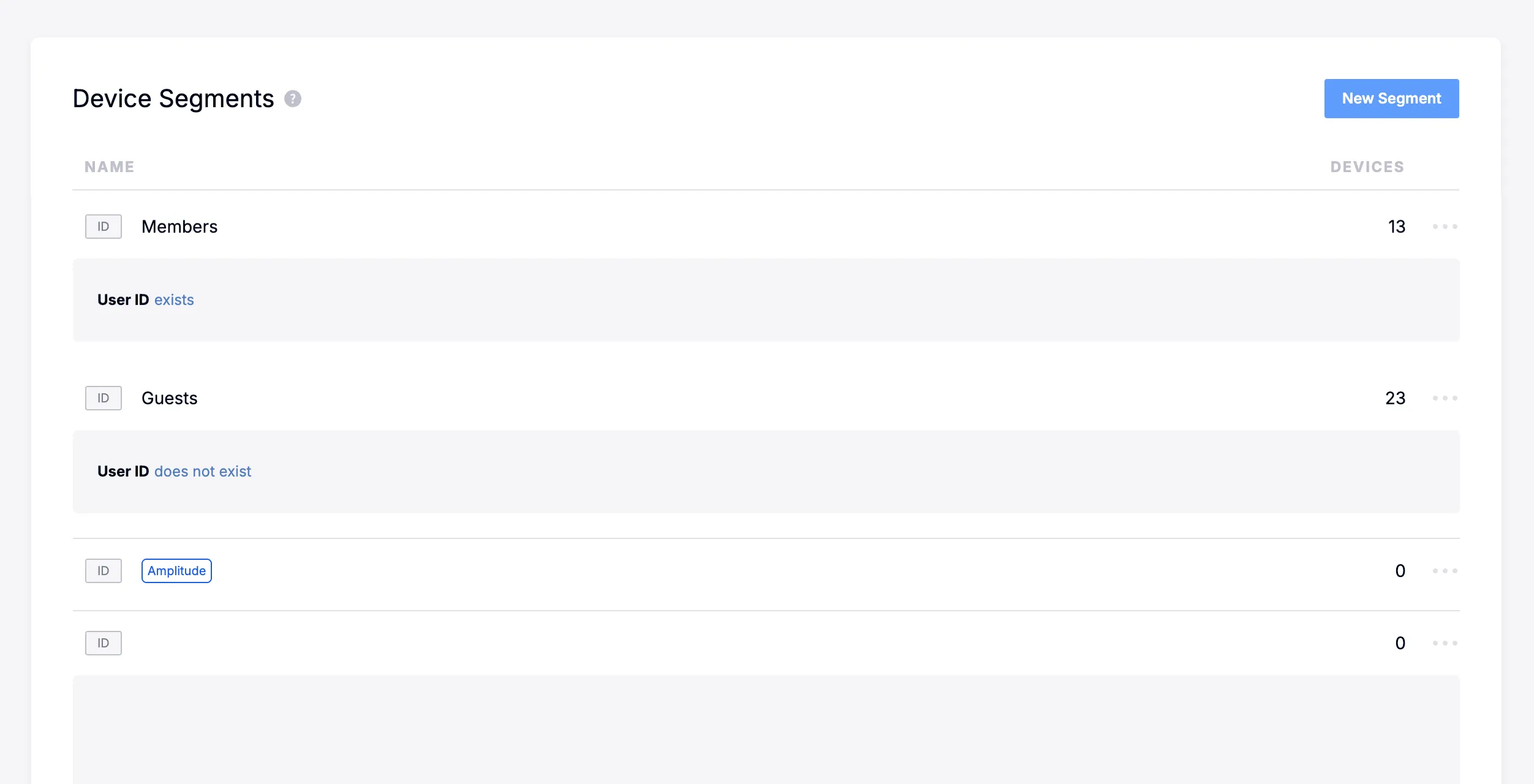
Section titled “Distinguishing members from non-members by User ID”In segments, you can use the "User ID exists" filter to create groups that separate members from non-members.
How device tags change by User ID scenario
Section titled “How device tags change by User ID scenario”When a User ID is integrated, the current device's tags change along with it depending on the scenario. For details, see the How Device Tags Change by User ID Scenario guide.