Target User
Target User is where you decide who the numbers are counted for.
If Metric is “what to look at”, Target User is “whose data to look at”.
Leave it empty and all users are counted.
What you can narrow by
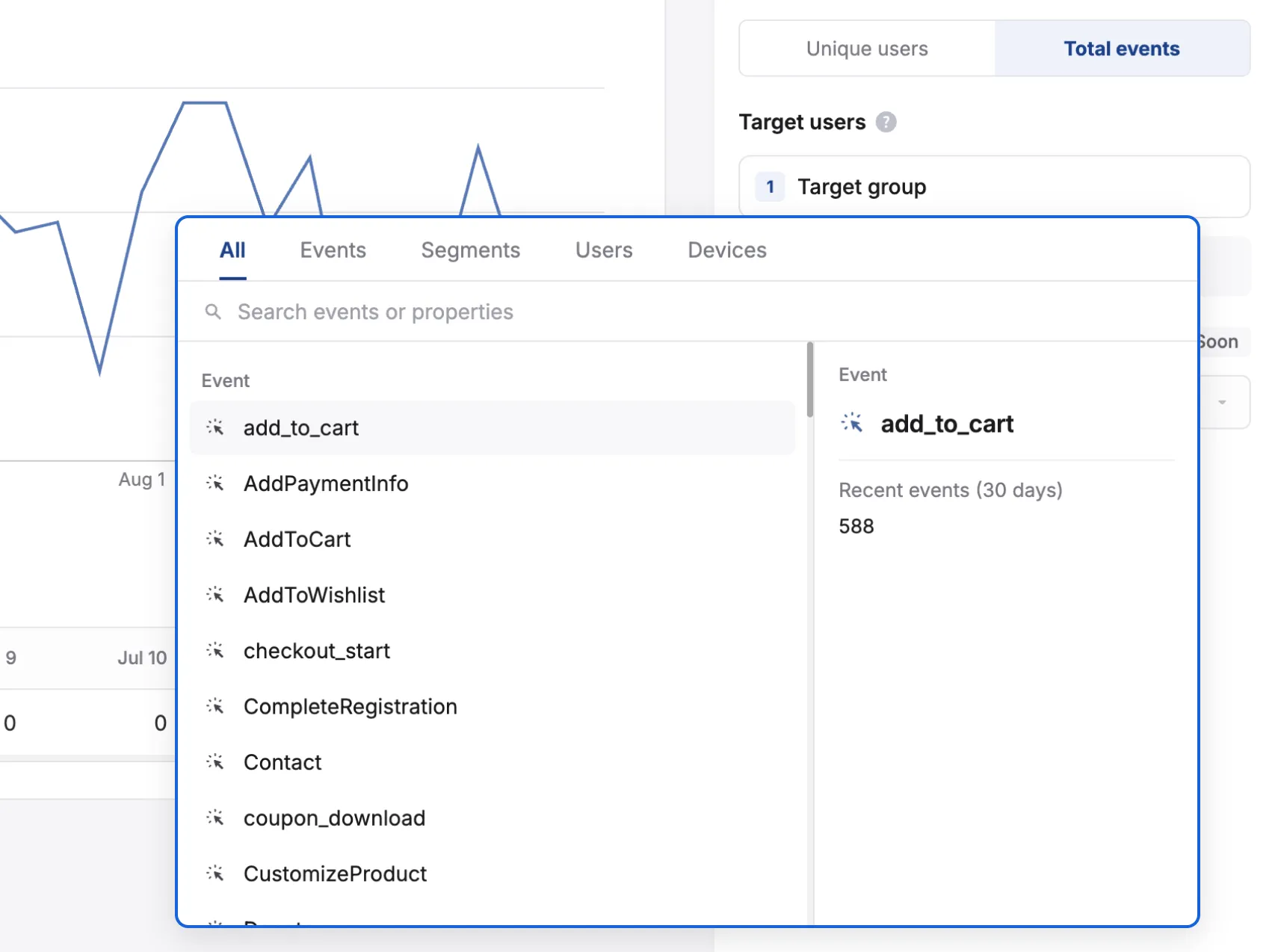
Section titled “What you can narrow by”| Type | Description and examples |
|---|---|
| Event | Counts users who triggered a specific event e.g. users who recently clicked a push, users who completed a purchase |
| Segment | User or device segments you already created (e.g. VIP members, dormant users) |
| User | User properties (country, language, age, and so on) and user tags |
| Device | Device properties (OS version, app version, platform, and so on) and device tags |
How to set it
Section titled “How to set it”- Click the
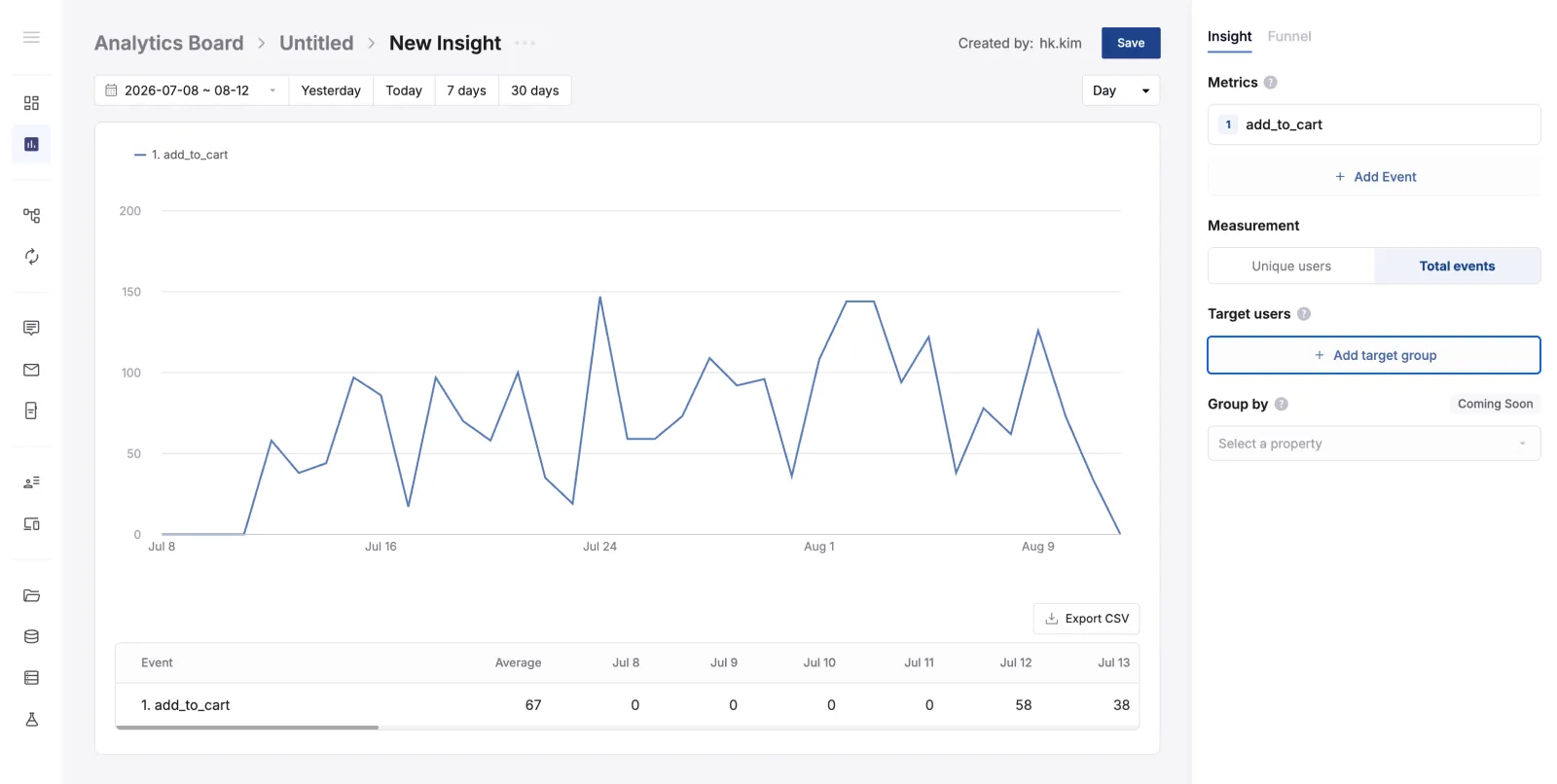
Add target groupbutton, then select a target.
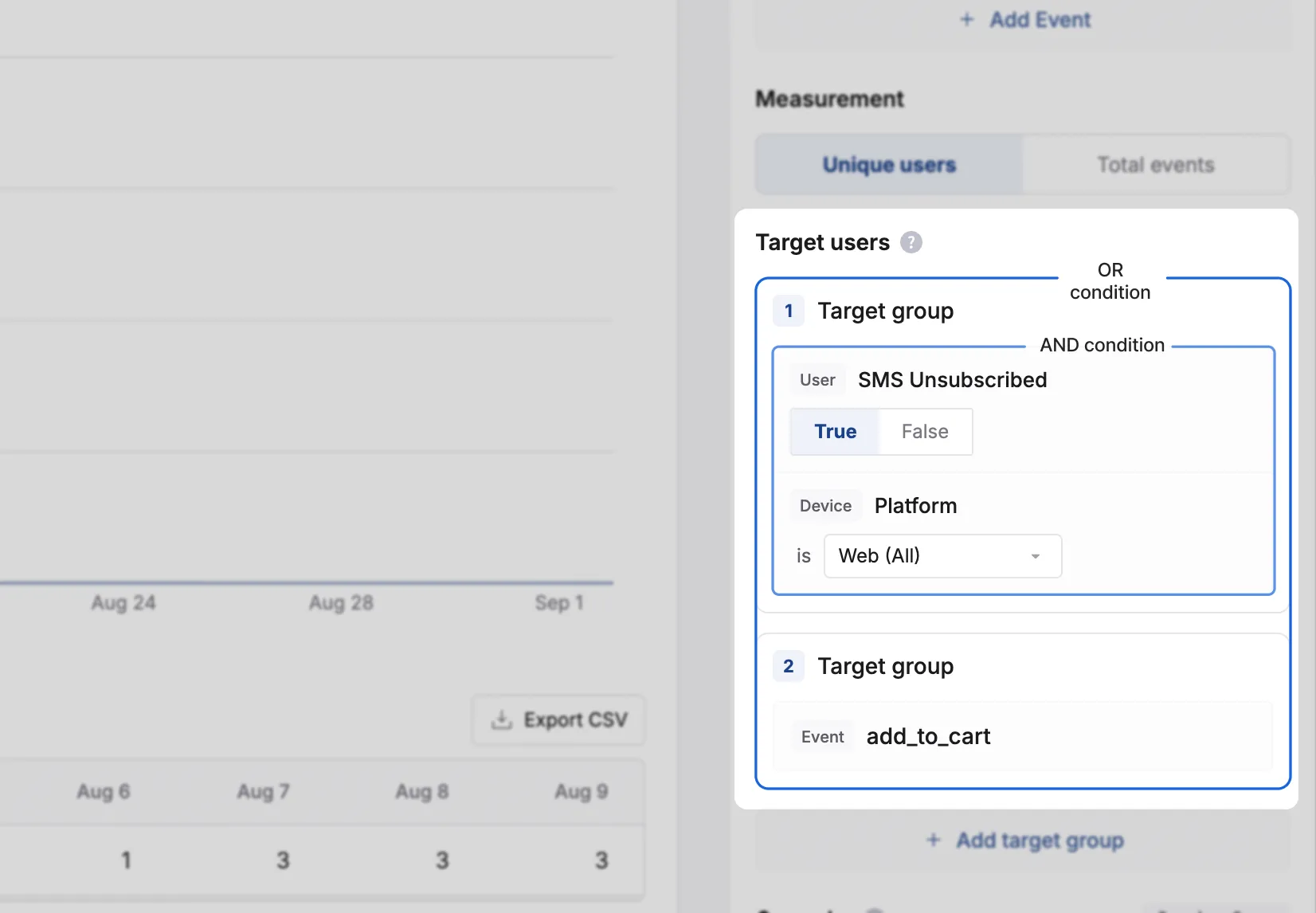
- To add more conditions, add another target to the same group or add a new target group. Properties within the same target group work as AND conditions, and target groups work as OR conditions with each other.
- Conditions inside the same group → all must match to be included (AND)
- Across different groups → matching any one is enough to be included (OR)