Getting Started with Boards
How boards and reports relate
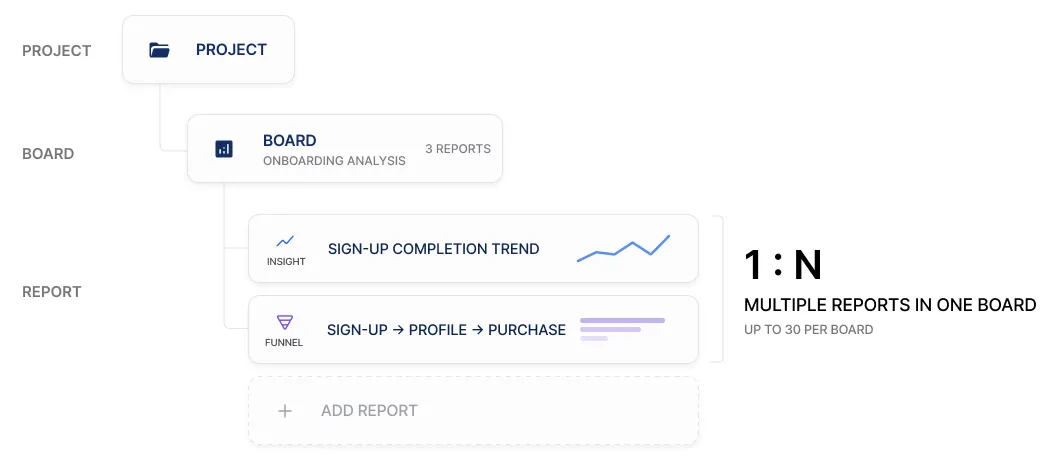
Section titled “How boards and reports relate”- A board is a folder that groups related reports. You cannot create a board inside a board.
- There is no limit on the number of boards, and a single board holds up to 30 reports.
Creating a board
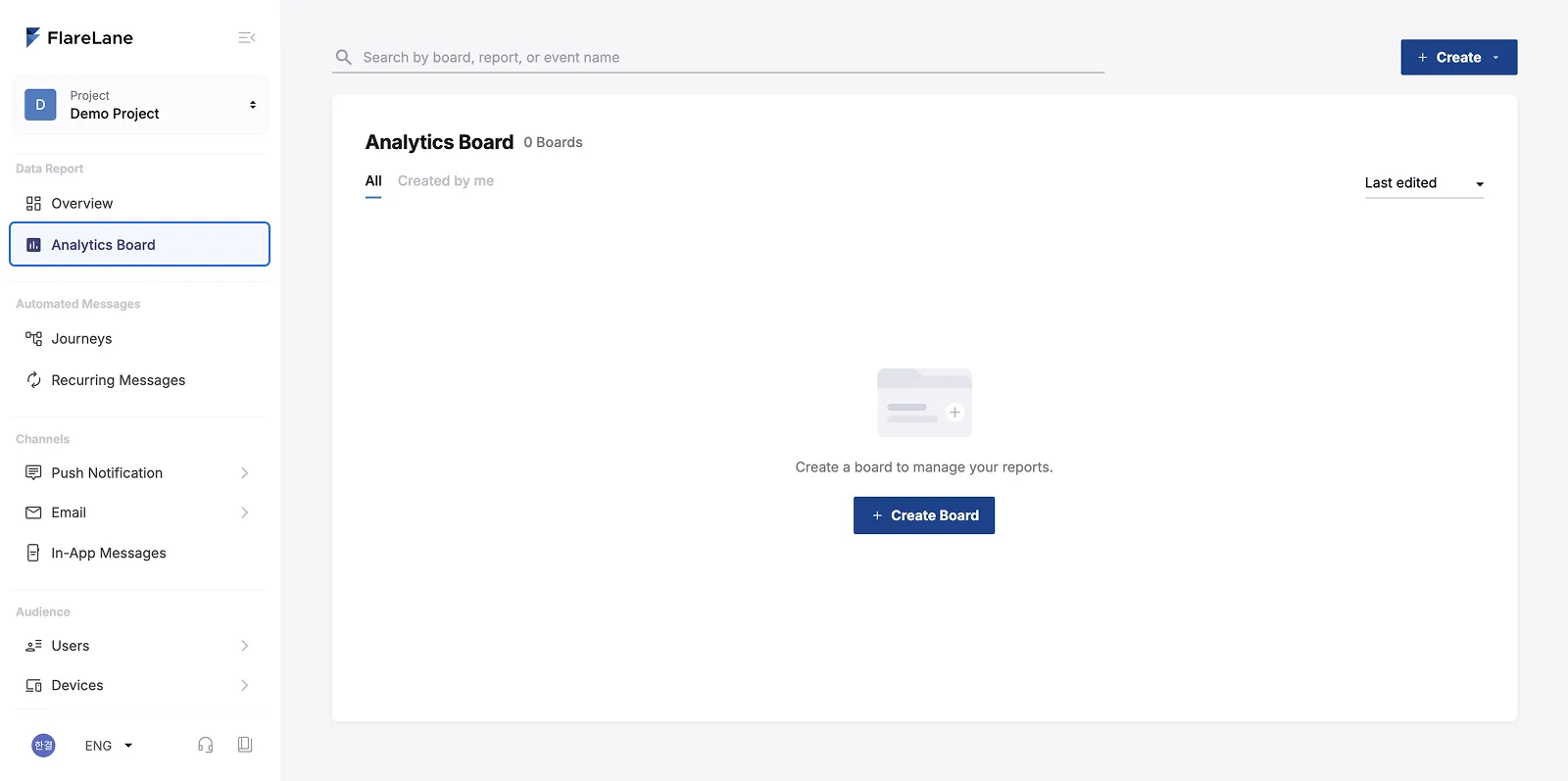
Section titled “Creating a board”Start from Data Analysis > Analytics Board.
Click the Create button at the top, or the Create Board button in the center, to create a board.
Creating a report
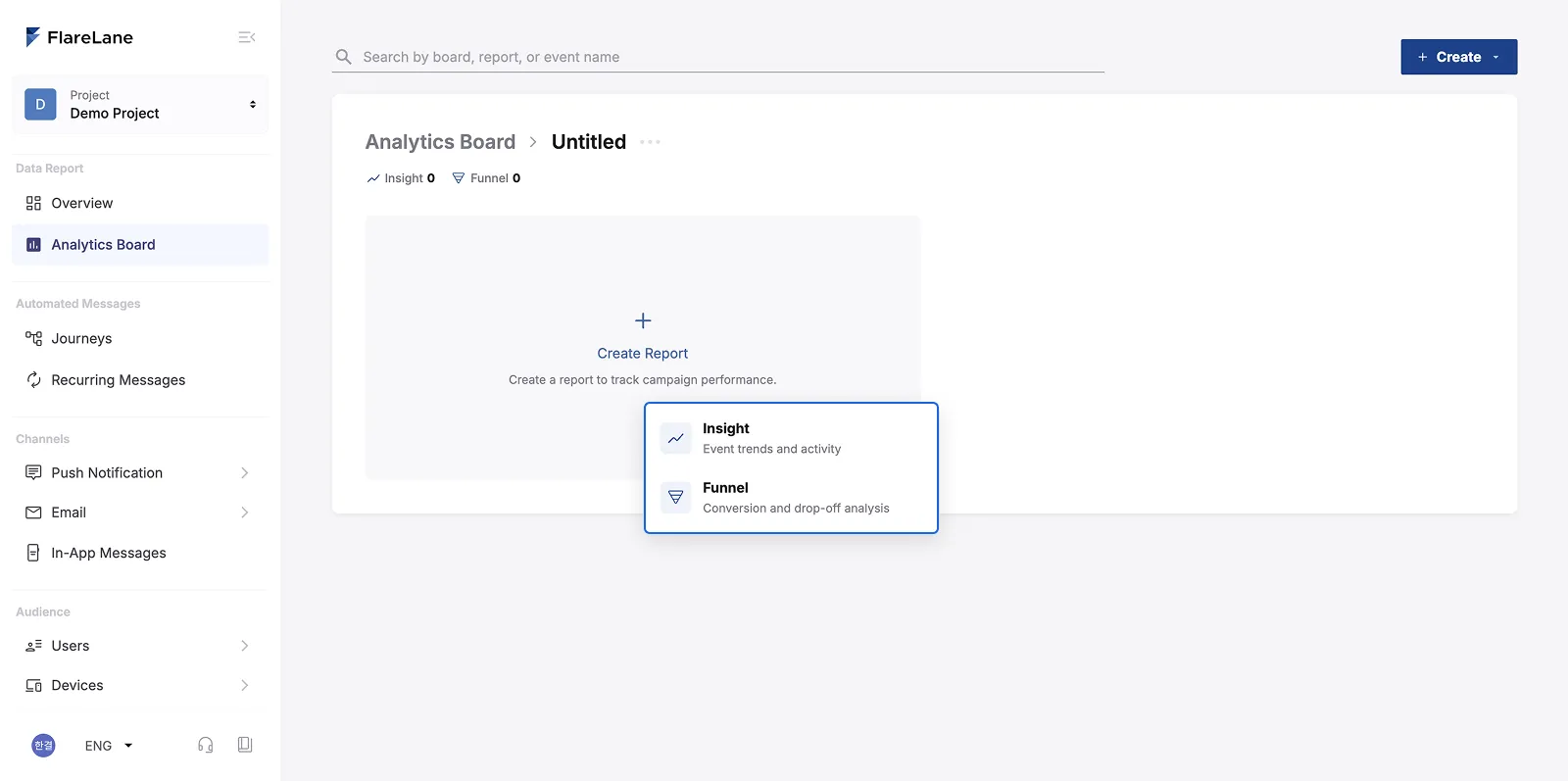
Section titled “Creating a report”Click the Create button at the top or the Create Report button, then select Insight or Funnel.
- Creating from the
Createbutton at the top makes a report that does not belong to any board yet.- In this case, you choose the board it belongs to when you hit “Save” after finishing the report.
- Creating from the
Create Reportbutton in the list adds the report to the current board right away.
Saving a report
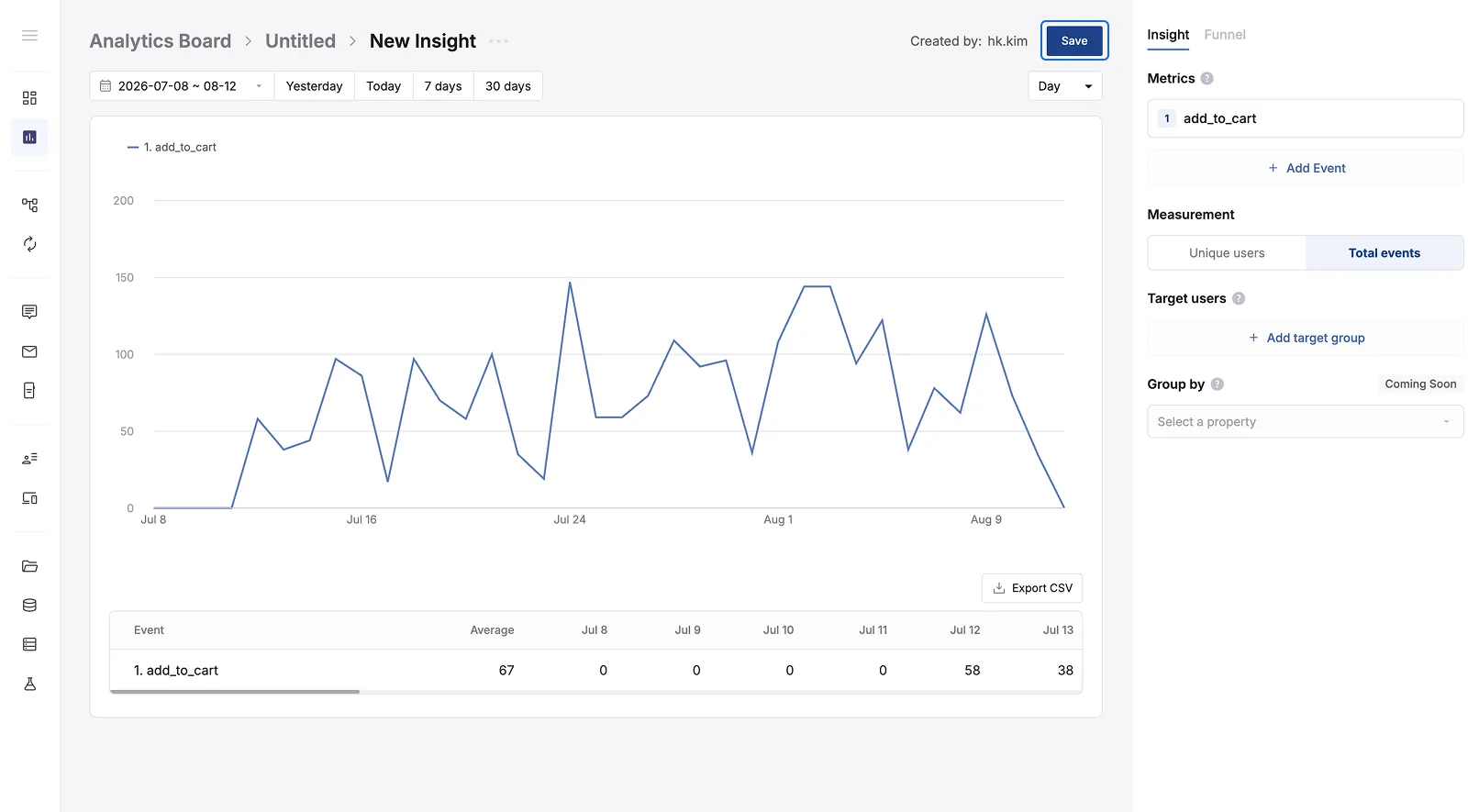
Section titled “Saving a report”A report is only stored from the moment you press Save. If you leave a newly created report without saving, it will not be kept. (This keeps one-off reports from piling up in your list.)
Insight or Funnel: which should you pick?
Section titled “Insight or Funnel: which should you pick?”FlareLane currently offers two report types.
Think about what you want to analyze, then create the report.
| Category | Insight | Funnel |
|---|---|---|
| What it shows | How often events happened and how the trend moved | Conversion and drop-off rates between events |
| Examples | • Did app opens grow over the last 30 days? • How many people viewed the coupon this week? | • How many people convert from message view to app entry? • Where do people drop off most between product view, cart, and checkout? |
| Guide | Insight Tips | Funnel Tips |
Good to know
Section titled “Good to know”| Item | Details |
|---|---|
| Permissions | Both admins and members can create and edit boards and reports. |
| Concurrent edits | If several people edit the same report at once, the last saved version is kept. |
| Limits | • Boards: unlimited • Reports per board: 30 • Events or target groups per report: 10 |
| Time basis | All dates and times are shown in the timezone set in the console. |