Getting Started
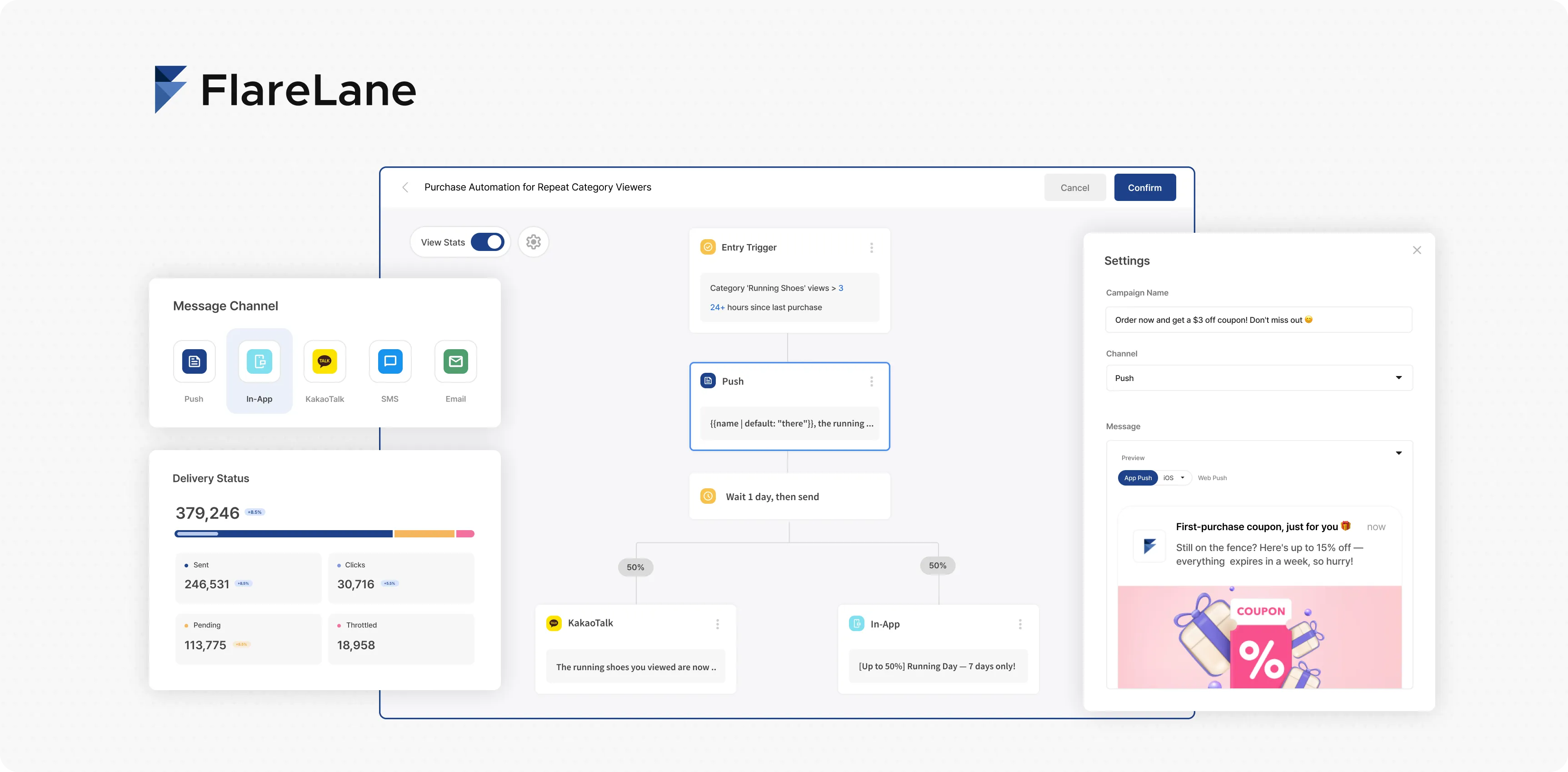
FlareLane AI
Section titled “FlareLane AI”Connect your AI workspace to FlareLane, and build your own AI agent in the console.
| Use Case | Guide |
|---|---|
| Analyze data and design campaigns in Claude or ChatGPT | MCP |
| Build your own AI agent in the FlareLane console | AI Agent |
| Integrate the SDK and data with an AI coding agent | Integrate with an AI Coding Agent |
Analytics Board
Section titled “Analytics Board”A workspace for combining and analyzing the user behavior data your service generates. See event trends and step-by-step conversions without asking a developer.
| Use Case | Guide |
|---|---|
| How to create and save boards and reports | Getting Started with Boards |
| Tracking event volume trends over time | Insight Tips |
| Measuring step-by-step conversion and drop-off rates between events | Funnel Tips |
Message Channels
Section titled “Message Channels”FlareLane supports a wide range of message channels.
| Channel | Description |
|---|---|
| Mobile Push Web Push Kakao Alimtalk Kakao Brand Message SMS | Off-site channels that bring inactive users back |
| In-App Message (popup) | On-site channels that convert active users on the spot |
| Webhook | External API integration channels that enable special actions like coupon issuance |
Customer Journey Automation
Section titled “Customer Journey Automation”Customer Journey Automation is one of FlareLane’s core marketing features. When a user takes a specific action, you can interact with them over an extended period until they reach a final goal, maximizing your target conversion rate.
| Guide |
|---|
| Getting Started with Customer Journeys |
| Building a Customer Journey |
| How Customer Journeys Work |
| Customer Journey Components |
| Customer Journey Analytics |
Customer Data Integration
Section titled “Customer Data Integration”The first step in adopting FlareLane is deciding what data to integrate and how.
Check out Data Integration Best Practices for the recommended order of data integration work and answers to frequently asked questions!
Concepts and Integration Methods
Section titled “Concepts and Integration Methods”The customer data FlareLane uses is categorized as follows.
| Data Type | Guide |
|---|---|
| A unique user identifier managed by your business | User ID |
| User actions such as adding to cart or making a purchase | Events |
| User attributes such as name, membership tier, and marketing opt-in | User Profiles & Tags |
Third-party Integrations
Section titled “Third-party Integrations”FlareLane offers extensive API and SDK support for direct data integration. However, if you’re already using another solution, you can leverage it to set up no-code data integration with FlareLane very easily.
| Description | Guide |
|---|---|
| Integrate data without deploying code | Google Tag Manager Integration |
| Analytics integration | Amplitude Integration Mixpanel Integration |
| Ad attribution measurement (MMP) | Airbridge Integration |
| E-commerce platform integration | Cafe24 Integration |
Sending & Targeting
Section titled “Sending & Targeting”FlareLane provides advanced sending and personalization features.
| Use Case | Guide |
|---|---|
| Seeing scheduled and recurring sends at a glance | Calendar |
| Sending to a specific target group | Segment Filter |
| Sending on a daily, weekly, or monthly recurring schedule | Recurring Messages |
| Sending to internal team members’ devices | Test Send |
| Sending notifications via API | API Templates |
| Distributing server load at high send speeds | Rate Limiting |
| Managing user fatigue with high send volumes | Frequency Capping |
| Using personalization variables in message content | Personalized Messages (Liquid) |
| Sending chat-style notifications with a sender profile | Chat-Style Notifications |
Channel Analytics
Section titled “Channel Analytics”After sending a message, FlareLane provides a variety of performance analysis features, including clicks and multiple conversion events.
| Use Case | Guide |
|---|---|
| Core metrics such as sends, clicks, and failures by message channel | Channel Metrics Definitions |
| Setting up and aggregating conversion events such as purchases | Conversion Event Setup and Analysis |
SDK Integration
Section titled “SDK Integration”The FlareLane SDK is very easy to set up. Follow the guides to integrate the SDK that fits your service platform. If you use an AI coding agent like Claude Code, Codex, or Cursor, see Integrate with an AI Coding Agent to hand off SDK setup and event/tag wiring in plain language.
| Mobile SDK | Web SDK |
|---|---|
| Android SDK | Web SDK |
| iOS SDK | Cafe24 Integration |
| React Native SDK | iOS Web Push: Overview and How It Works |
| Flutter SDK | |
| WebView-based Mobile App Bridge Integration |
| References |
|---|
| REST API Reference |
| Mobile SDK Reference |
| Web SDK Reference |