'/%3e%3c/svg%3e)

A visitor lands on your site and leaves. Bringing them back is hard. If they never signed up, you have no email and no phone number. Web push reaches them anyway. With no app install and no signup, anyone who once allowed browser notifications can hear from you after they’ve left the site.
Subscribe, send, receive
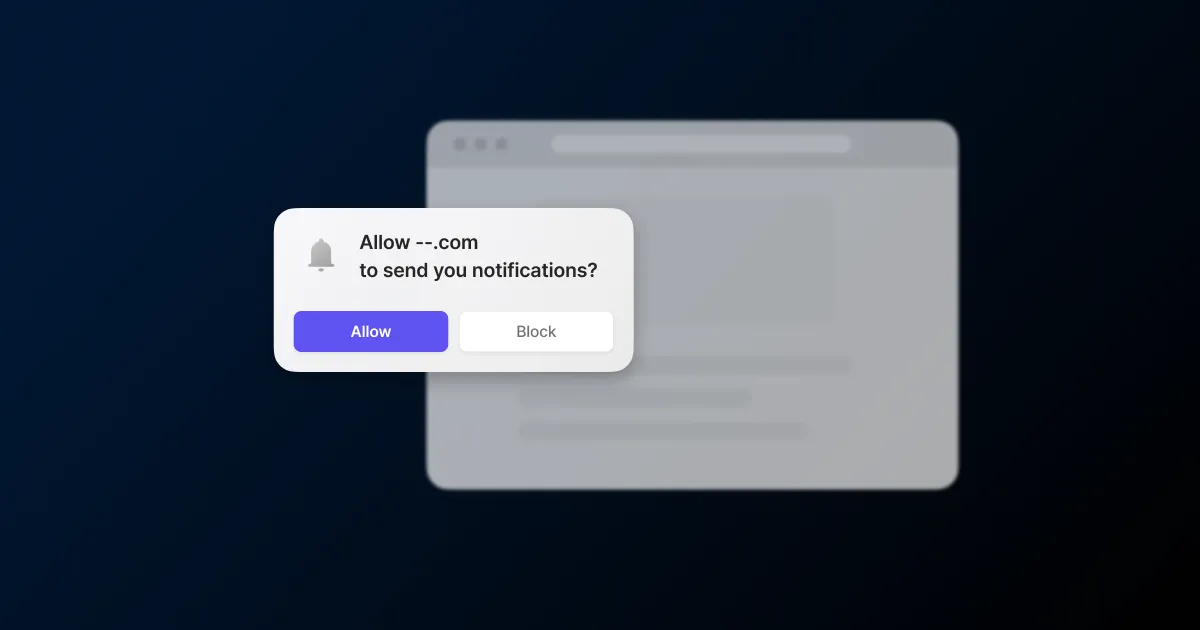
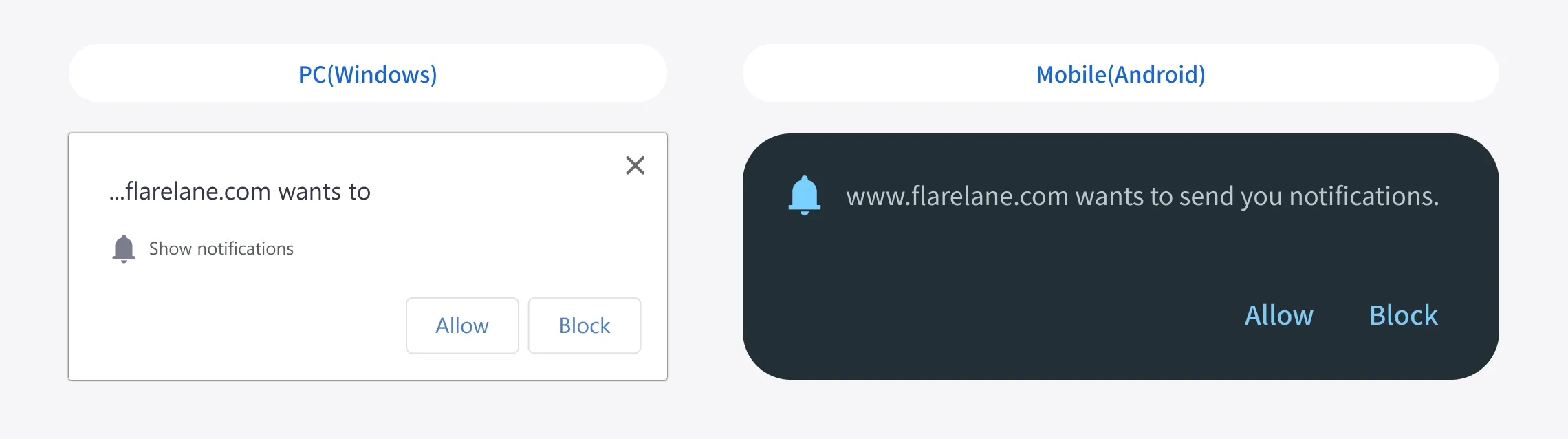
Web push runs in three steps: subscribe, send, receive. When a visitor lands, a prompt asks whether they want notifications. Tap allow and that browser becomes a subscriber. The browser issues subscription details, and FlareLane stores them. From then on the visitor gets notifications even after they close the site and leave. If they go offline for a while, the browser’s push service holds the message and delivers it once they reconnect.
iOS plays by different rules. Apple has supported web push since iOS 16.4, but only when a visitor opens your site as a web app. You apply a manifest file in Safari, the visitor adds the site to the Home Screen, and the prompt appears on the first tap inside that web app. If iOS is a big share of your traffic, check what devices your visitors use up front. The iOS web push guide spells out the conditions.
Where to ask for opt-in
Fire the permission prompt the instant someone arrives and most people tap no. They don’t know what the site is yet, or why notifications would help. Browser prompts are unforgiving too. Once someone declines, asking again is hard, and after repeated declines the browser blocks the prompt outright.
So the timing and the method are worth designing separately. In FlareLane you can hold the prompt until a visitor has viewed a few pages, or delay it a few seconds after they arrive. You can also show your own pre-permission popup before the native browser prompt. You write its title, body, and button text. If a visitor dismisses it, it comes back after an interval you set. That keeps the native prompt in reserve for visitors who have signaled they want in.
Place the ask where a reason to subscribe already exists. Right after someone views a product they care about, checks an out-of-stock item, or lands on a back-in-stock alert screen.
Message content and specs
A web push carries a title, body, image, and icon. Titles run up to 60 characters and the body up to 150. You can add one 2:1 landscape image (1440x720 recommended). The badge and icon are set separately. Attach a link or deep link so a tap goes straight to the page or product you want.
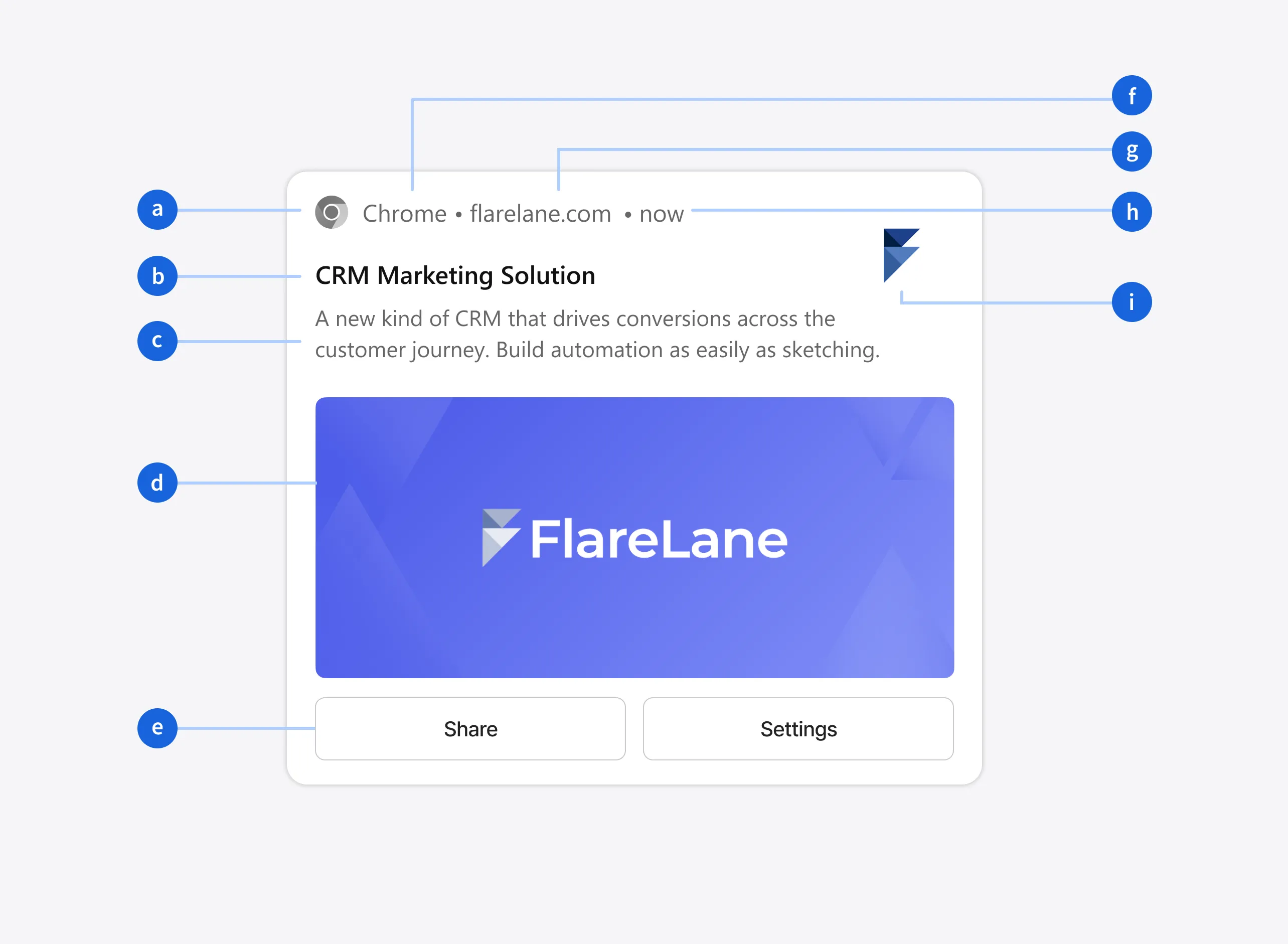
Add personalization variables and each visitor gets different content, like their name or the product they just viewed in the title. FlareLane fills per-visitor values with personalized messages (Liquid). You set the landing screen with the deep link guide.
Wiring it into journey automation
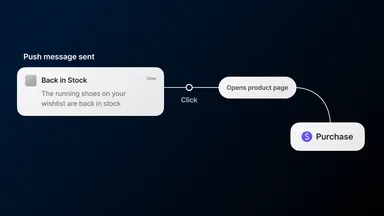
Web push doesn’t have to be one-off. You can send it on behavior by dropping it into a customer journey as one step. A visitor who left items in the cart, or who looked at an out-of-stock product, gets a notification automatically when they match the conditions.
Inside a journey you can add a time delay, branch on conditions, or A/B two versions. You can set quiet hours so nothing sends overnight. And a per-channel frequency cap keeps the same visitor from getting hit too often.
Reach and clearing dead subscriptions
Subscriber counts drift down over time, and that’s normal. A visitor turns off browser notifications, clears site data, or stops using that browser, and the subscription goes invalid. When FlareLane sends and the push service replies that the subscription is gone (404 or 410), it unsubscribes that device automatically. So your send target stays close to who you can actually reach. A smaller subscriber count in the report doesn’t automatically mean worse performance. It can just be dead subscriptions dropping off.
Measuring results
After sending, you read the results as metrics. Web push counts desktop web and mobile web subscriptions separately, tracking sent, converted, failed, and unsubscribed for each. You set conversion to count on click or on send. Define an attribution window, and only goal actions inside that window count as conversions. Say you use click with a 24-hour window: a visitor who tapped the notification counts as a conversion only if they buy within a day. The channel metrics and conversion analysis docs define each number.
If most of your traffic arrives before signing up, the first thing to settle with web push is where you ask for opt-in. Start by finding the point in the visit where a notification is worth saying yes to. You can request a subscription-design consult below.

'/%3e%3c/svg%3e)