'/%3e%3c/svg%3e)

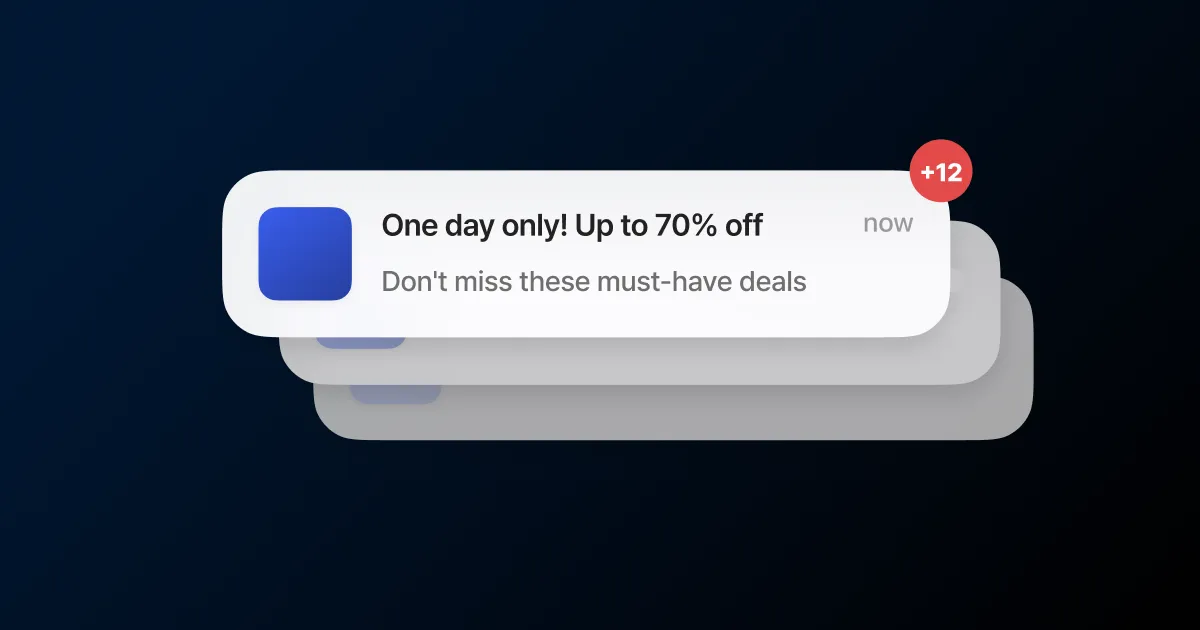
One more message feels like a little more revenue, so you send the new arrival, then the sale, then a reminder. To the person on the other end, it is just one more alert from the same brand stacking up.
When those alerts pile up day after day, people turn off notifications or unsubscribe before they read a word. A channel a user mutes rarely comes back. So how often you send is an operating decision, on par with copy or timing.
The four-a-month benchmark
Your gut says there is room for one more, but customers tolerate less than that. In one survey, 56% of U.S. consumers said they unsubscribe once they get four or more messages from a single company in 30 days. The reason they cited most often was the volume of messages. The figure is U.S.-based, but the pattern holds in any market: more sends bring more opt-outs.
Set four a month as your starting line for promotional messages, then watch the unsubscribe rate, click rate, and “capped” count to find the level your service can carry. Weigh the clicks one more send earns against the users it can cost you, and the right line is easier to judge.
How often, by channel
Four a month is a starting point that ignores the channel. What users actually tolerate varies: the same message feels heavier as a push than as an email. Here is what the data suggests per channel, with a starting cap for each.
| Channel | How users react to frequency | Starting cap |
|---|---|---|
| Push | At 2-5 a week, 46% turn notifications off; at 6-10, 32% leave the app | 2 a week or fewer |
| KakaoTalk | Informational Alimtalk does not count as advertising. Promotional Brand Message reaches only users who added your channel, so keep frequency conservative even with consent | About 1 a week |
| SMS | 50% prefer one text every two weeks, 37% one a week, and the top reason to opt out is sending too often (55%) | 2-4 a month |
| Past 1-3 a week, each extra send lifts unsubscribes and drags open and click rates down | 1-2 a week for promotions | |
| In-app | Shown only when the app is open, so fatigue is lower, with direct response up to 8x push | Outside the shared cap; tune by display frequency |
These caps are not applied per channel. FlareLane counts push, KakaoTalk, and SMS against one shared ceiling, so set it to cover the three combined. Email is managed through send strategy, in-app through the “do not show again” option.
Turn on frequency capping
FlareLane’s frequency capping1 is turned on at the project level. The default is unlimited sending, so there is no ceiling until you set one. Choose “per-user frequency cap” and you put a ceiling on how many messages one user receives in a period, say up to five in a single day.
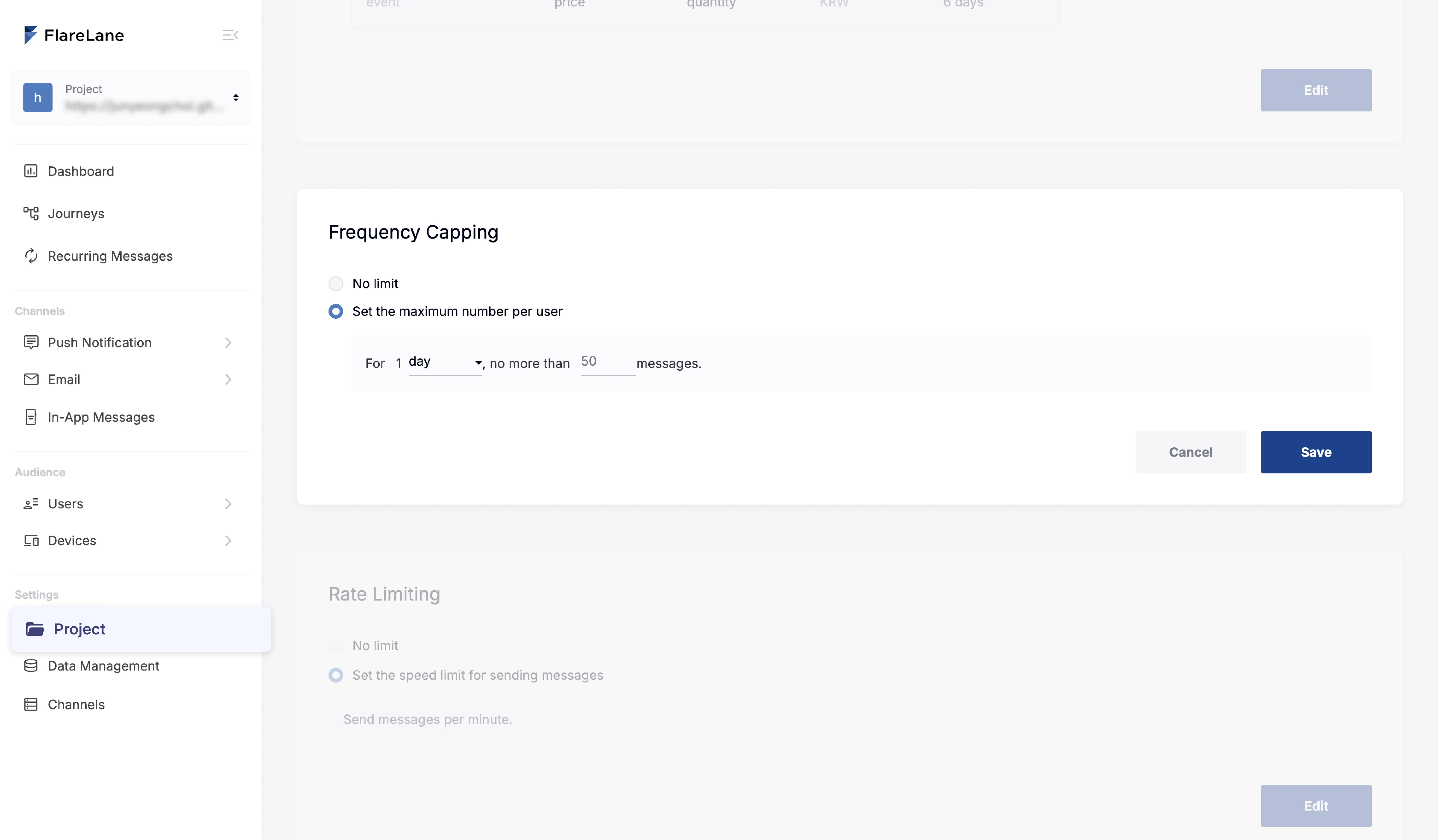
When a send would push a user past the ceiling, that message does not go out to them. The right line differs by service: set it high for media or commerce that has to send daily, low for a service where a few times a month is plenty. Changing the cap starts the count over.
Informational messages are exempt
A cap brings one risk: a payment confirmation or shipping notice getting blocked along with the promos. So important alerts get an exception and go out no matter the cap. Tick “ignore frequency cap” when you build a new message, and again inside customer journey automation. Turn it on in an automation and every message in that campaign sends, cap or no cap.
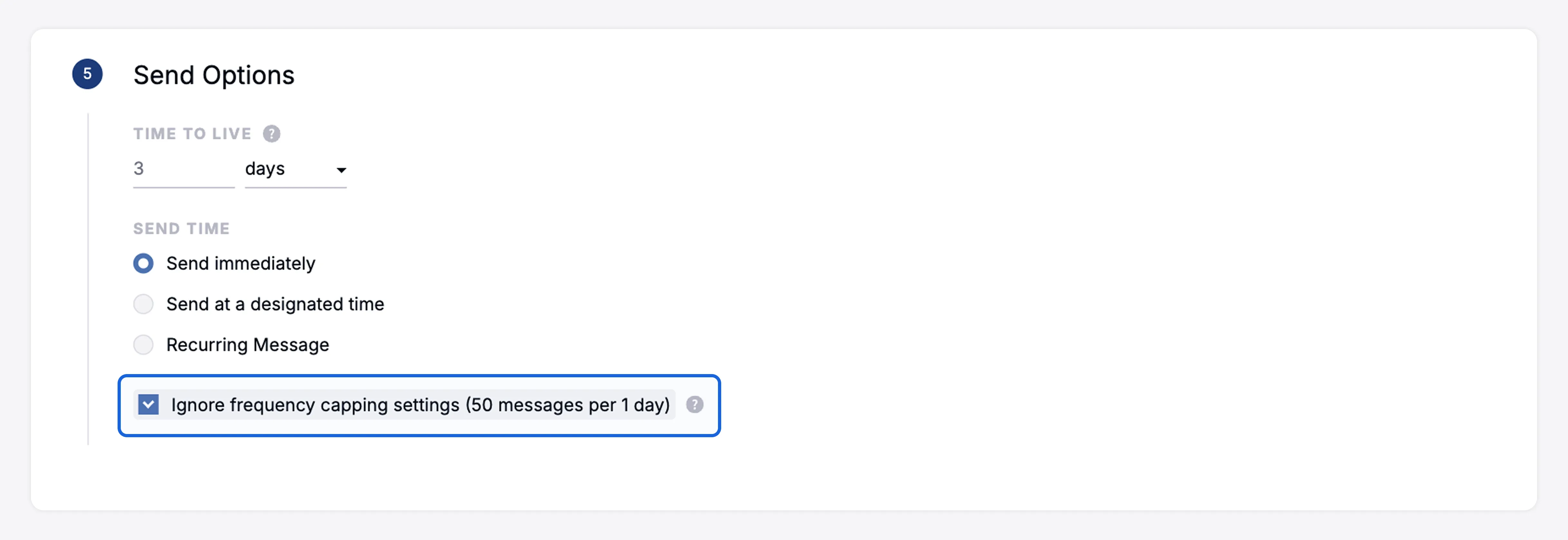
Split that way, promotional messages stay inside the ceiling while transactional and journey alerts arrive on time. You press down on total volume without blocking the notices a customer is actually waiting for.
Check how many were capped
Set the cap, then re-tune it as you watch how users respond. When a send goes over the cap, that message is tallied separately as “capped” in your stats. If that number stays high, the cap is too low or you are running more campaigns than it allows, so cut campaigns or revisit the ceiling.
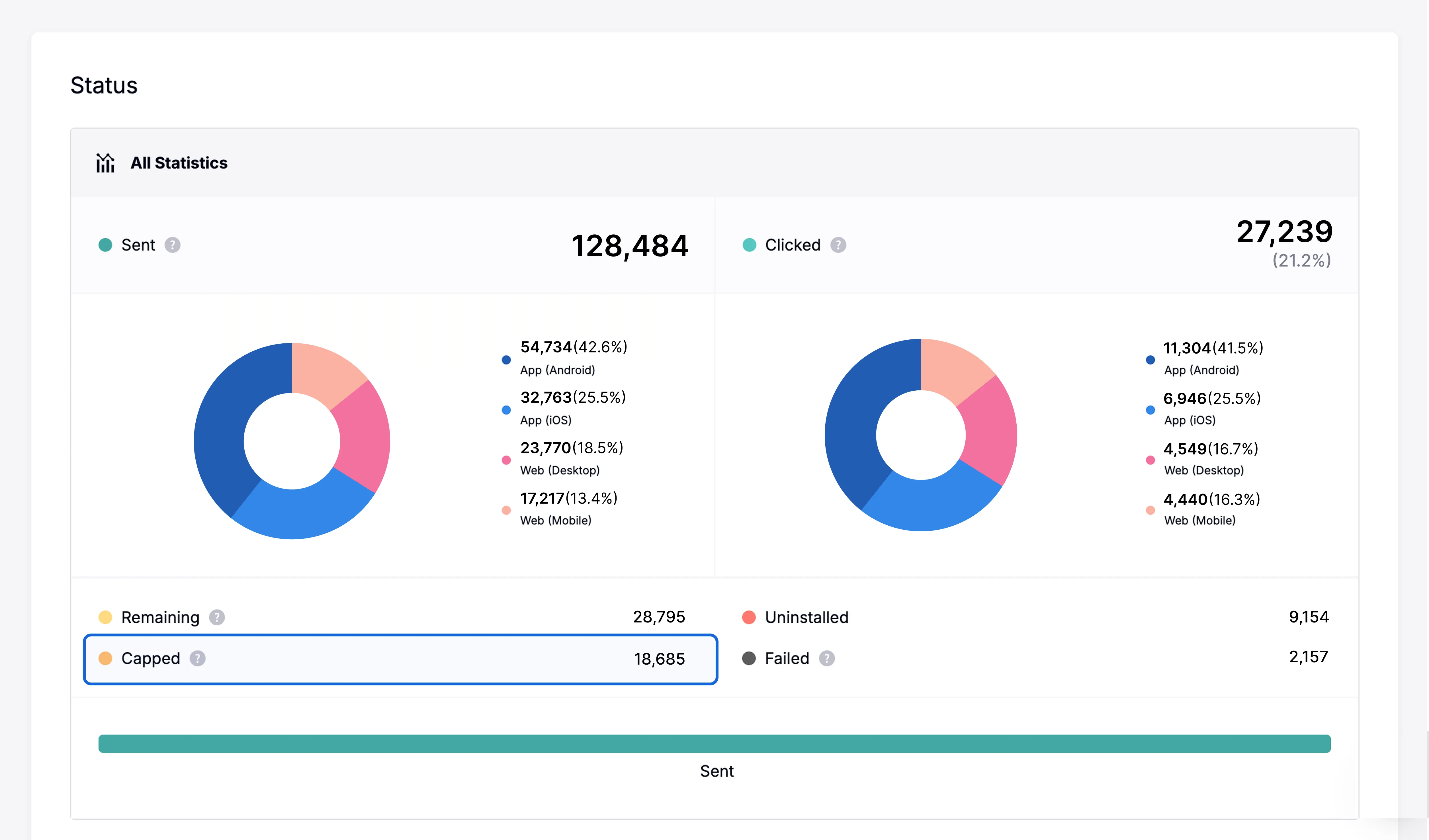
Read the unsubscribe rate and the “capped” count side by side to judge where the cap belongs. When opt-outs rise, lower it. When capped messages pile up, that is a signal the cap is holding back real demand, so it may be worth raising a step.
Whether to raise it is a question for conversions and revenue, not the capped count alone. Say you lift the cap from three a week to five: capped sends drop, but per-send conversion slips from 2.0% to 1.3% and total revenue barely moves. Those two extra sends added fatigue, not purchases, so four a week, the last level where revenue still rose, is your ceiling. Raise the cap one step at a time and watch conversion and revenue together, and you find the limit your service can carry.
Start by counting how many messages one user gets from you in a week. Lay out your send volume and unsubscribe rate by channel, and you have enough to set a starting cap. Below, we can work out the right cap for your service together.

'/%3e%3c/svg%3e)