'/%3e%3c/svg%3e)

Acquiring a new user keeps getting more expensive. Meta’s full-year 2025 results put the average price per ad up 9% from the year before. The same budget brings in fewer users, and most of them leave after their first visit without buying anything. If you have no way to bring them back, the ad spend behind each of those visits is gone.
What CRM marketing means
CRM marketing uses the attributes and behavior of users you’ve already acquired to send push, KakaoTalk, SMS, and email messages matched to each stage of the customer journey: signup, purchase, churn. The goal is twofold. Convert users who haven’t bought yet into first-time buyers. Give users who have bought a reason to buy again.
The name causes real confusion. A sales CRM like Salesforce manages sales pipelines: deals, calls, contracts. The CRM marketing covered in this post is what consumer services do when they message their users automatically. Job listings and software searches mix the two terms constantly, so check which one you’re looking at before you evaluate any tool.
It doesn’t replace performance marketing either. Ads handle acquisition. CRM handles what happens after: conversion and retention. When a user your ads brought in makes a second and third purchase through CRM messages, the same ad budget produces more revenue and pays itself back faster.
Acquisition costs keep climbing
Cost is why more teams are looking at this structure. A 2022 SimplicityDX study found that e-commerce customer acquisition costs rose 222% from 2013. Merchants lost an average of $9 per new customer in 2013. By 2022, the loss had grown to $29. The first purchase no longer covers the ad spend; profit starts at the second.
Messaging the users already inside your service runs on different economics. Push and in-app messages cost nothing to send, and KakaoTalk and SMS cost far less per message than an ad click. We broke down the acquisition-versus-retention math, with reactivation data, in our win-back campaign guide.
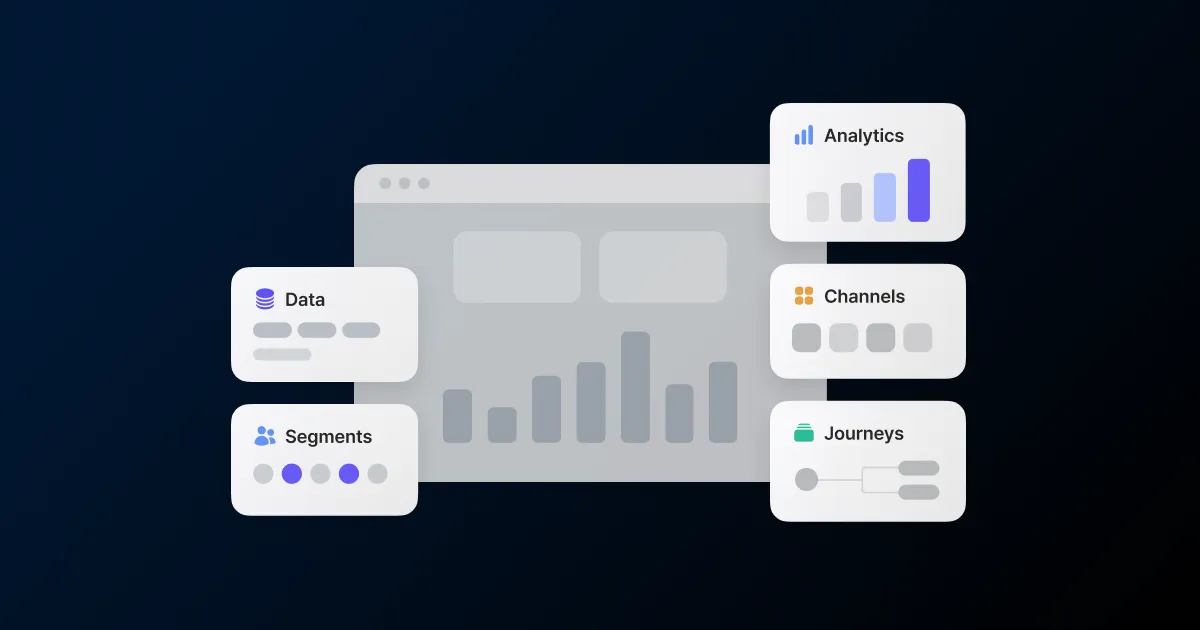
The five building blocks of CRM marketing
Tools and team structures vary, but the decisions are the same everywhere. Here’s what to settle in each block.
Data: events and attributes
Start by deciding how you identify a user. Anchor everything to an identifier like a member ID, and one user’s app devices, phone number, and email address merge into a single profile. Without it, the same person shows up as a different user on every channel and gets duplicate messages.
Next come events. Signup, product view, add-to-cart, purchase: user actions have to be tracked as events before you can trigger messages on them. Teams often stall trying to wire up dozens at once. About five events along the purchase funnel are enough to run your first automation. Add attributes like tier, favorite category, and last purchase date, and they feed straight into segment conditions and message personalization.
Segments: who to message
Blast the full list and you’re sending the same volume to users who will never respond. Segments narrow the audience with attribute and behavior conditions: visited within 7 days but never purchased, VIPs with over $1,000 in orders, inactive for 30 days or more.
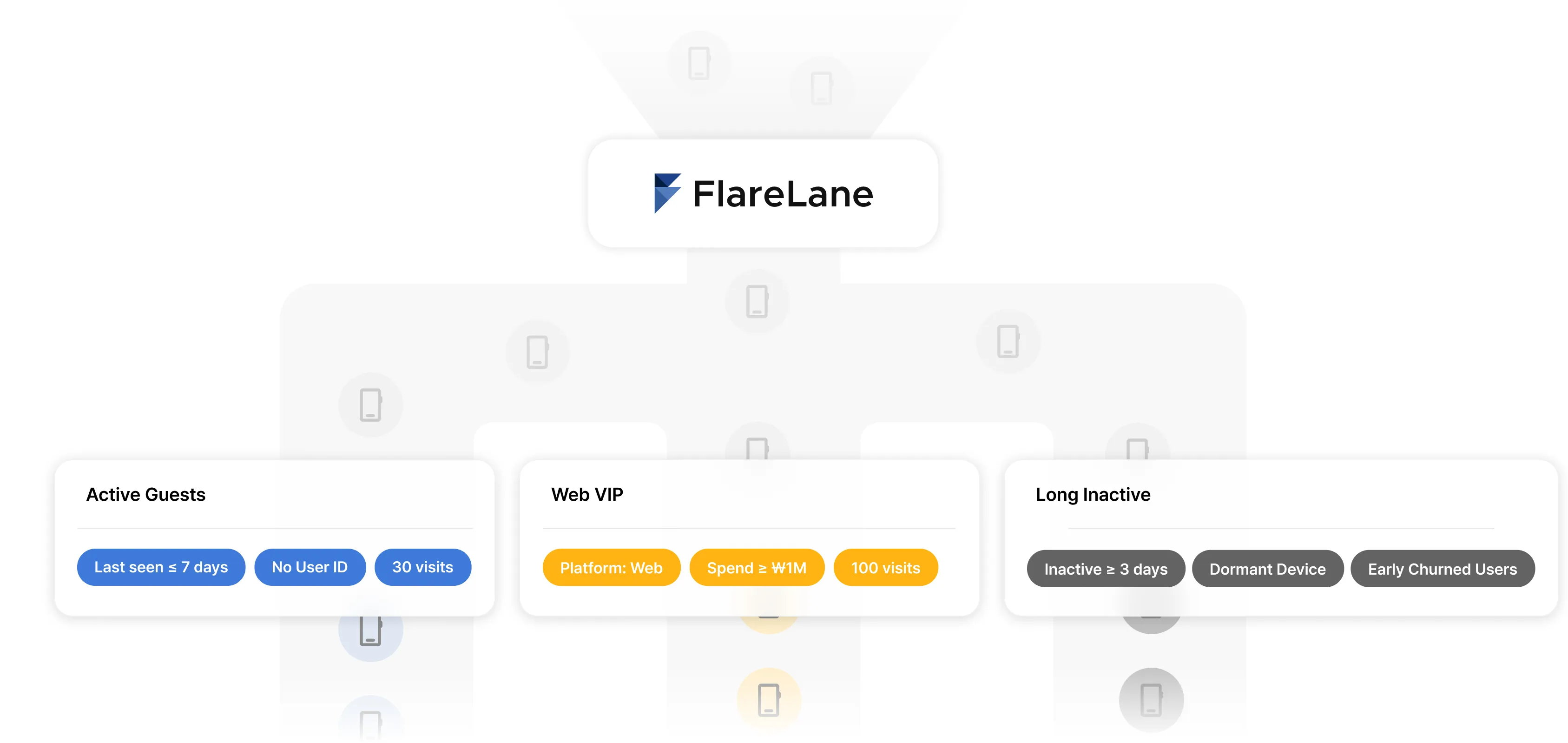
In McKinsey’s research, 71% of consumers said they expect personalized interactions, and companies that do personalization well drive 10-15% more revenue than those that don’t. The narrower the segment, the closer your copy can sit to each user’s situation. Split conditions further and you reach personalized messages that change per user.
Scenarios: when to message
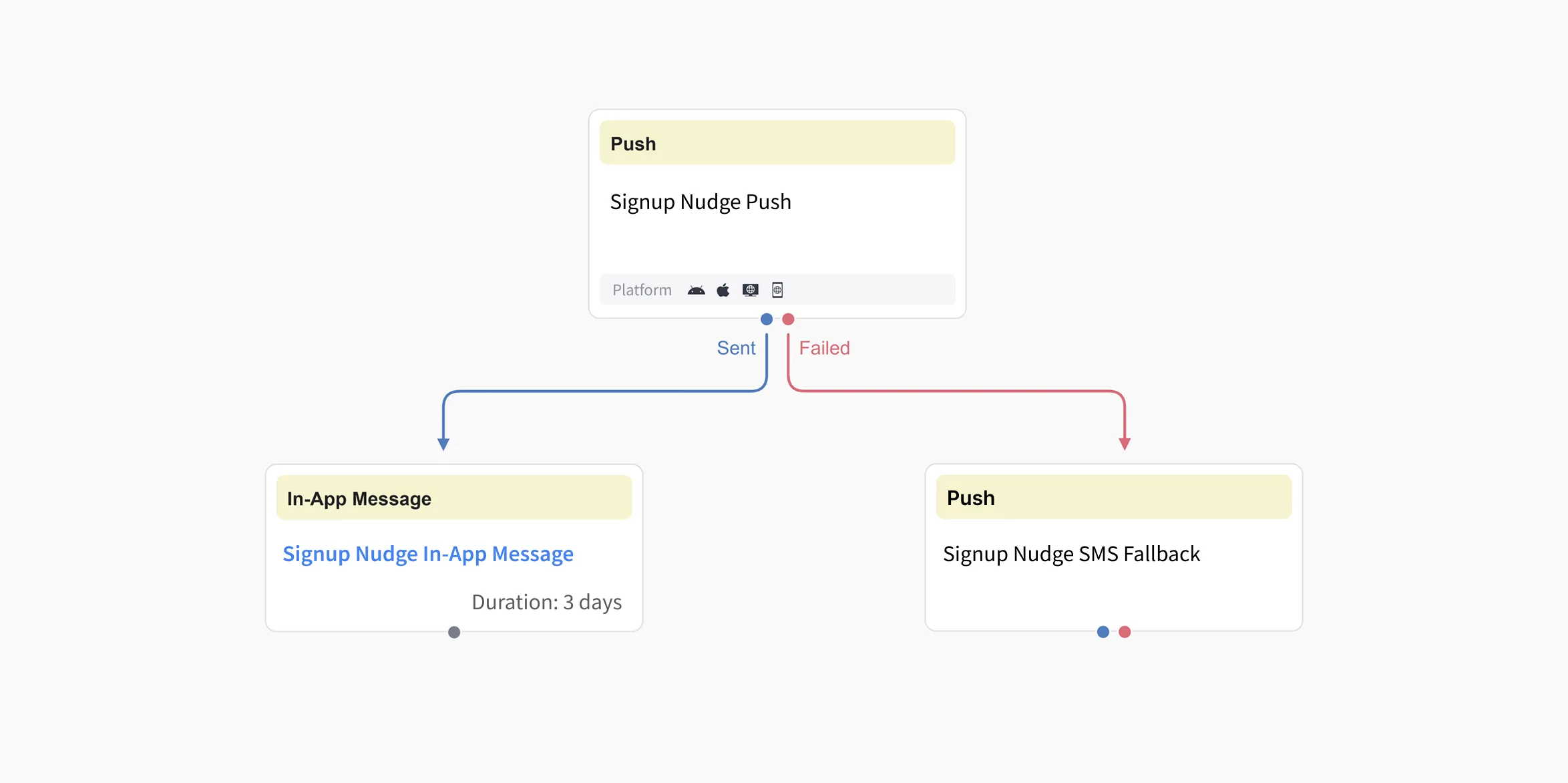
With the audience set, decide the timing. There are two modes. One-off campaigns, where someone picks a date and hits send. And journey automations, which fire from user behavior. Build the second once and it keeps sending to every user who meets the condition. Send opportunities stack up without adding headcount.
Carts are the classic case. Baymard Institute’s average across 48 studies puts cart abandonment at 70.19%. Seven carts out of ten never reach checkout. One scenario, a reminder when no purchase event follows within a set window, recovers part of that gap. From there, scenarios grow along the journey: onboarding right after signup, repeat-purchase nudges after the first order, win-back flows for users who’ve gone quiet.
Channels: how messages arrive
The same message reaches users differently, at different costs, depending on the channel. A typical mix combines push, SMS, email, and in-app messages, plus Kakao Alimtalk and Brand Message in Korea. Push is free but only reaches users who opted in. Kakao gets opened fast because it lives in a daily messenger. SMS reaches anyone whose number you have, at a per-message cost. Email is cheap but slow to get read. We covered connecting channels around a single user in our cross-channel CRM post.
More channels means managing the total each user receives. Count per channel and you’ll message someone who already got three or four this week. Set frequency capping to sum across channels per user, and no one goes over the cap no matter where the messages come from.
Measurement: what counts as working
Agree on success metrics before volume grows. Open and click rates show how the message performed, not whether it drove revenue. Assign each campaign a conversion event, like purchase. Then set an attribution window: how many days after a click or send a conversion still counts.
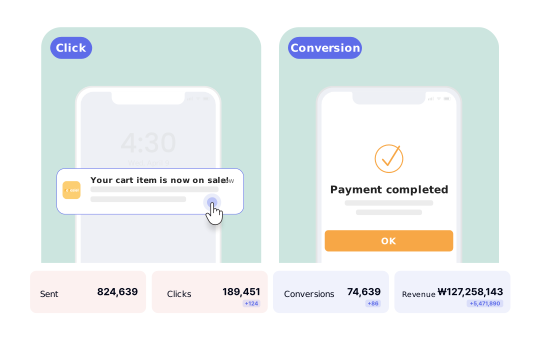
Go past conversion counts to revenue contribution by channel and campaign, measured the same way, and you have real grounds to shift budget and volume. The distortions of last-click-only measurement, and how to measure per-channel contribution, are in our marketing attribution guide.
Your first month, in order
If you’re evaluating a rollout, this is the order that works.
- Identifiers and events - Connect your member ID as the identifier and wire up signup, product view, cart, and purchase events. This is practically the only step that needs engineering time.
- Three segments - New users who haven’t purchased, recent buyers, and users inactive for 30 days or more. Most first scenarios start from these.
- Two automations - A signup welcome and a cart reminder. Automations come before one-off campaigns.
- Conversion standards - Lock in conversion events and attribution windows now, and every campaign afterward gets compared on the same terms.
- Frequency capping - Set a weekly per-user cap before you scale volume.
FlareLane runs all five blocks on one screen. Build a segment, design the scenario on the journey canvas, and Kakao, push, SMS, and email all send against the same user profile. Conversion events, attribution windows, and per-channel revenue live in the same console. The AI agent analyzes your data and drafts automation scenarios for marketers to review and switch on, which cuts the trial and error out of a first setup.
Open your event list and see what your service is already tracking. That’s usually enough to spot your first scenario. And if you’d like help deciding what to set up first, you can request a consultation below.

'/%3e%3c/svg%3e)